External Cover Studio
You already have the cover. Get everything else.
Upload a finished front cover — from your designer, from another app, from a book you published years ago — and build the print wrap, the audiobook cover, a text-free version, and your marketing images from it. Or start a series and match book 2 to it. Your design stays exactly as it is.
Included with Pro — a one-time payment, not a subscription. No cover generation required.
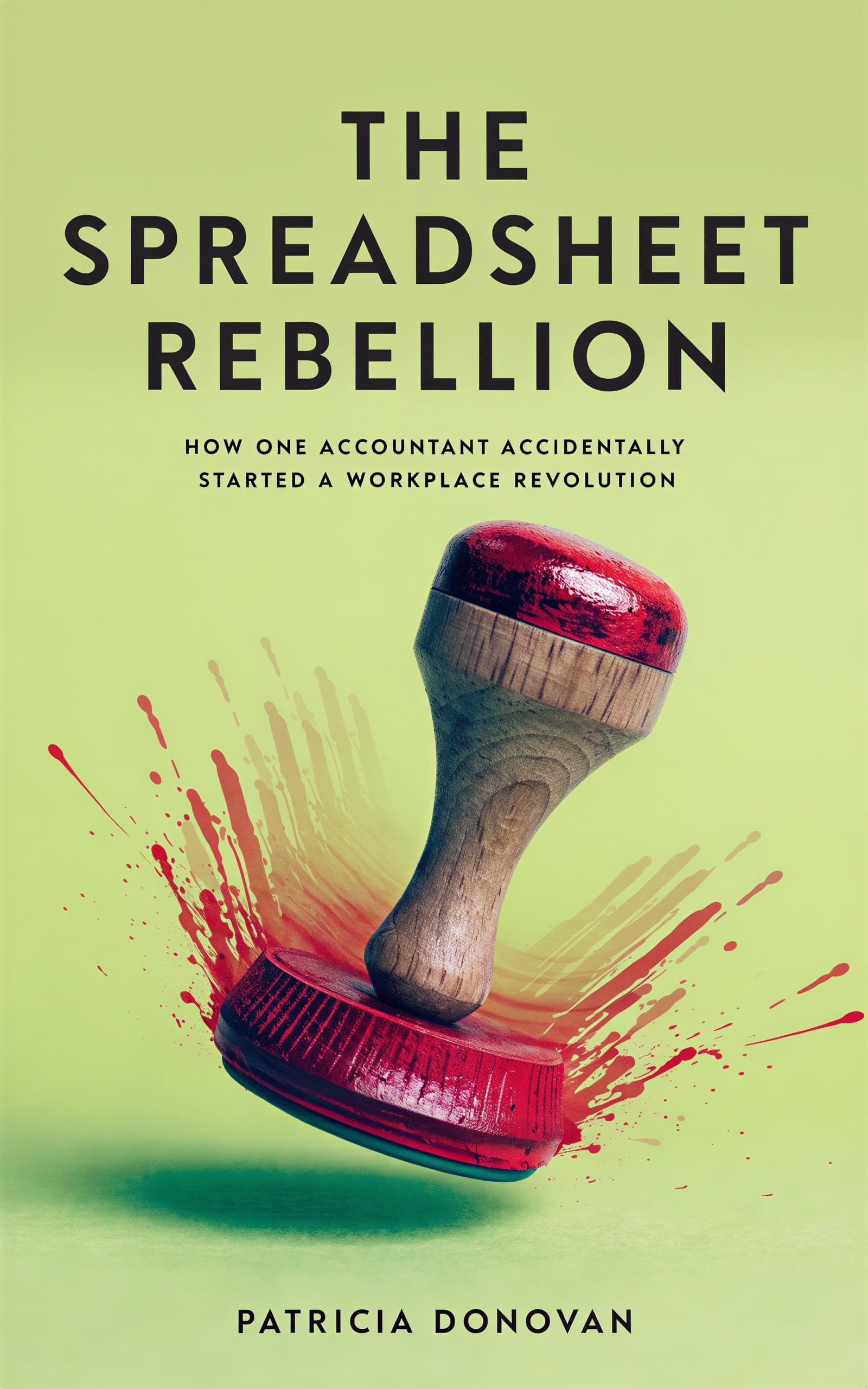




10,000+ indie authors are creating beautiful covers with BeYourCover.
Four Formats From One Upload
Generate one now and the rest whenever you need them. Everything stays attached to the cover you uploaded.
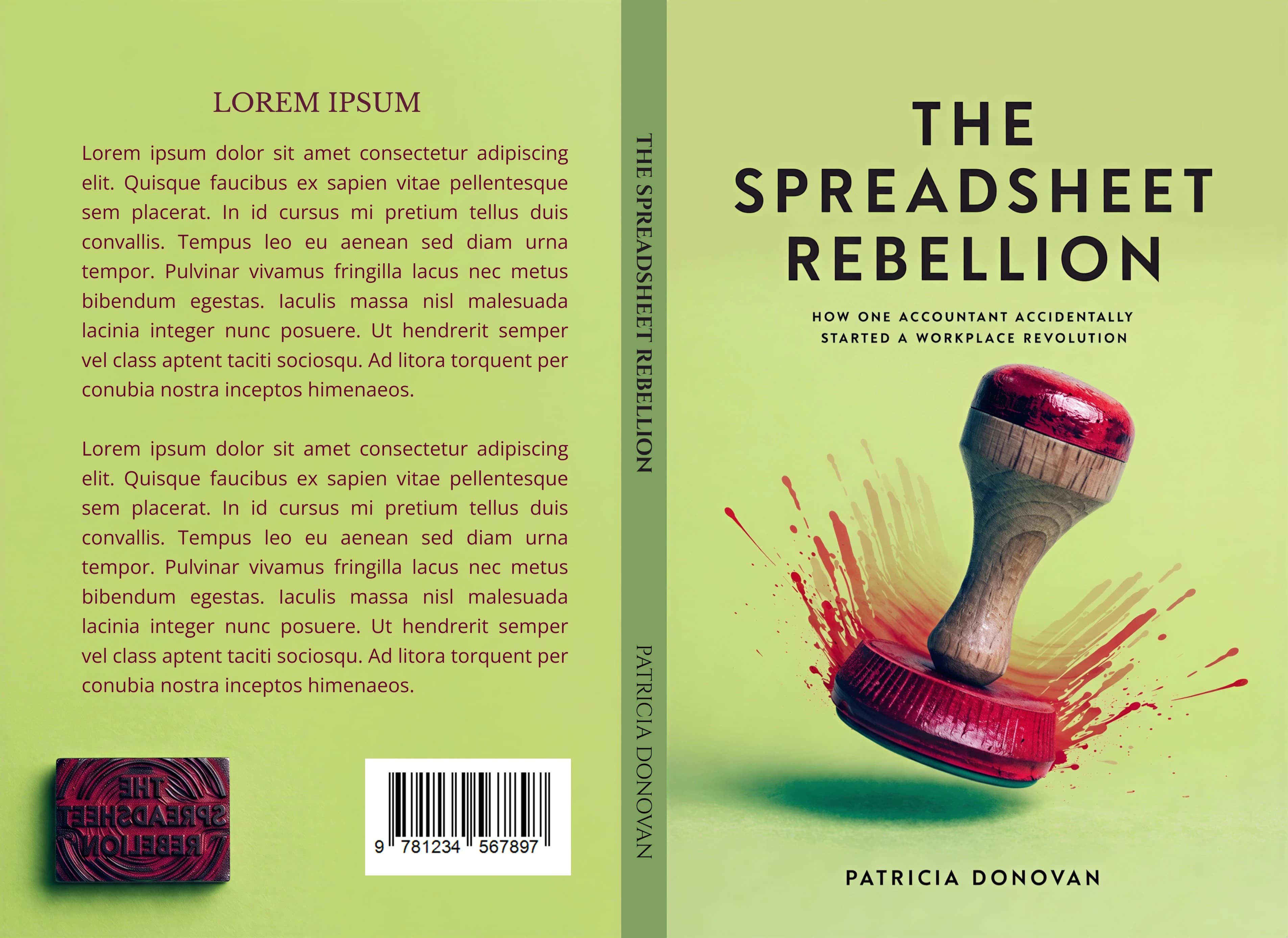
Full print wrap
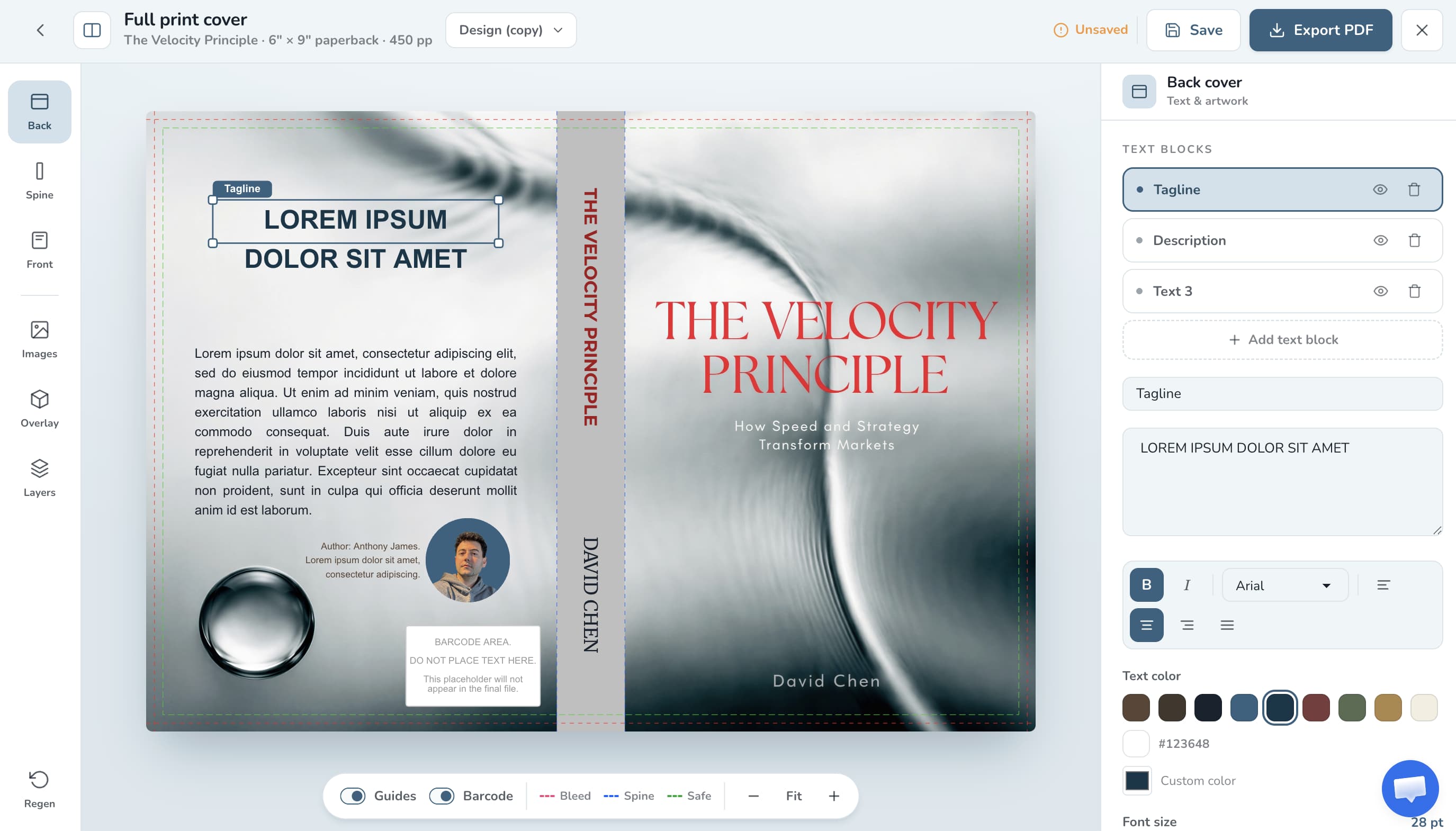
2 credits · 4 with AI back artFront, spine, and back as one print-ready file. Enter your binding, trim size, page count, and paper stock, and the spine width is calculated for you. Built for Amazon KDP and Barnes & Noble Press paperback and hardcover.
How the wrap editor works · Free KDP spine & trim calculator
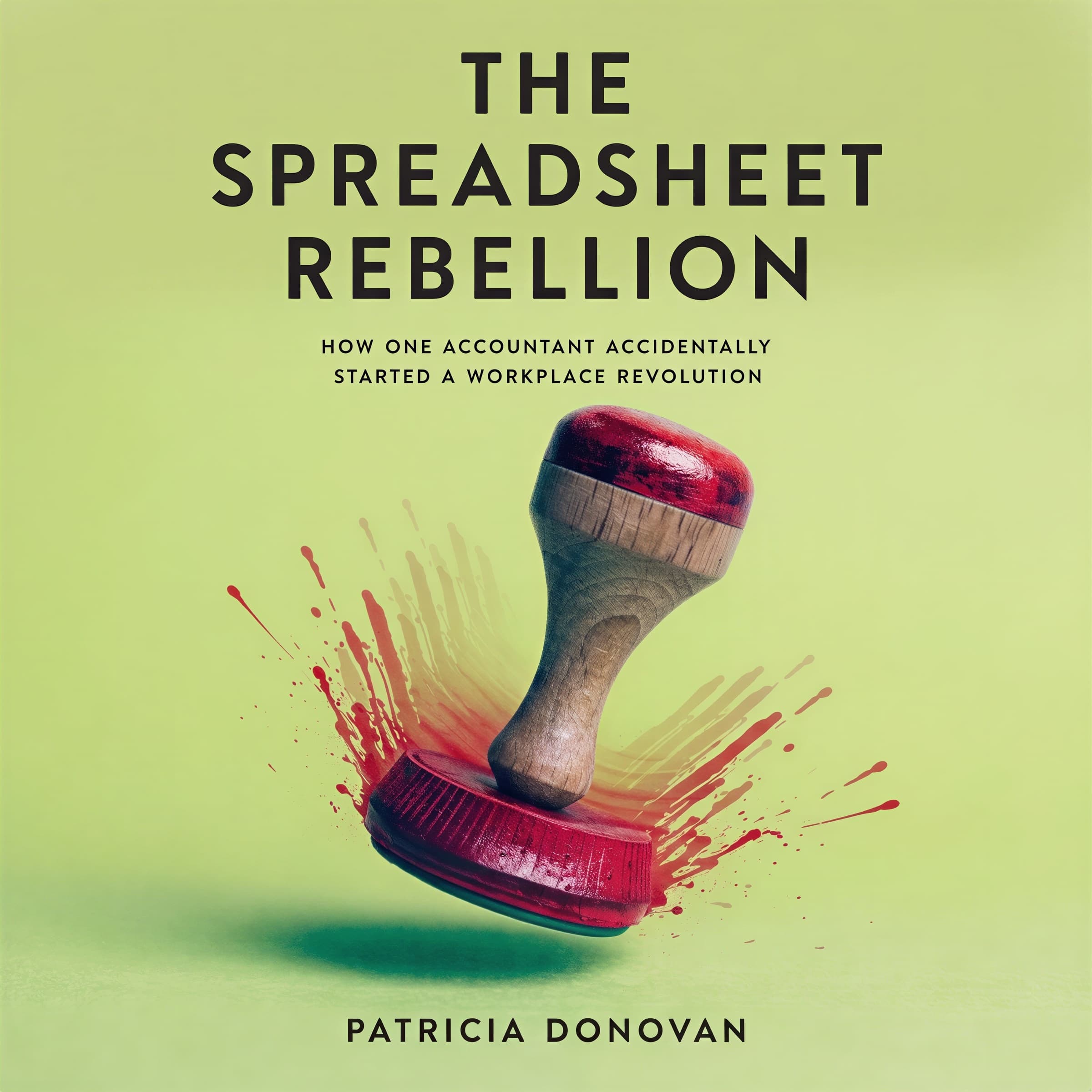
Audiobook cover
1 creditYour design adapted to the square 1:1 format that Audible, ACX, and Spotify require — without cropping the title off.
Text-free version
1 creditThe title and author name removed, leaving clean artwork. Use it for a box set, a translated edition, or to re-typeset the cover yourself.
Exporting & repurposing covers
Marketing resources
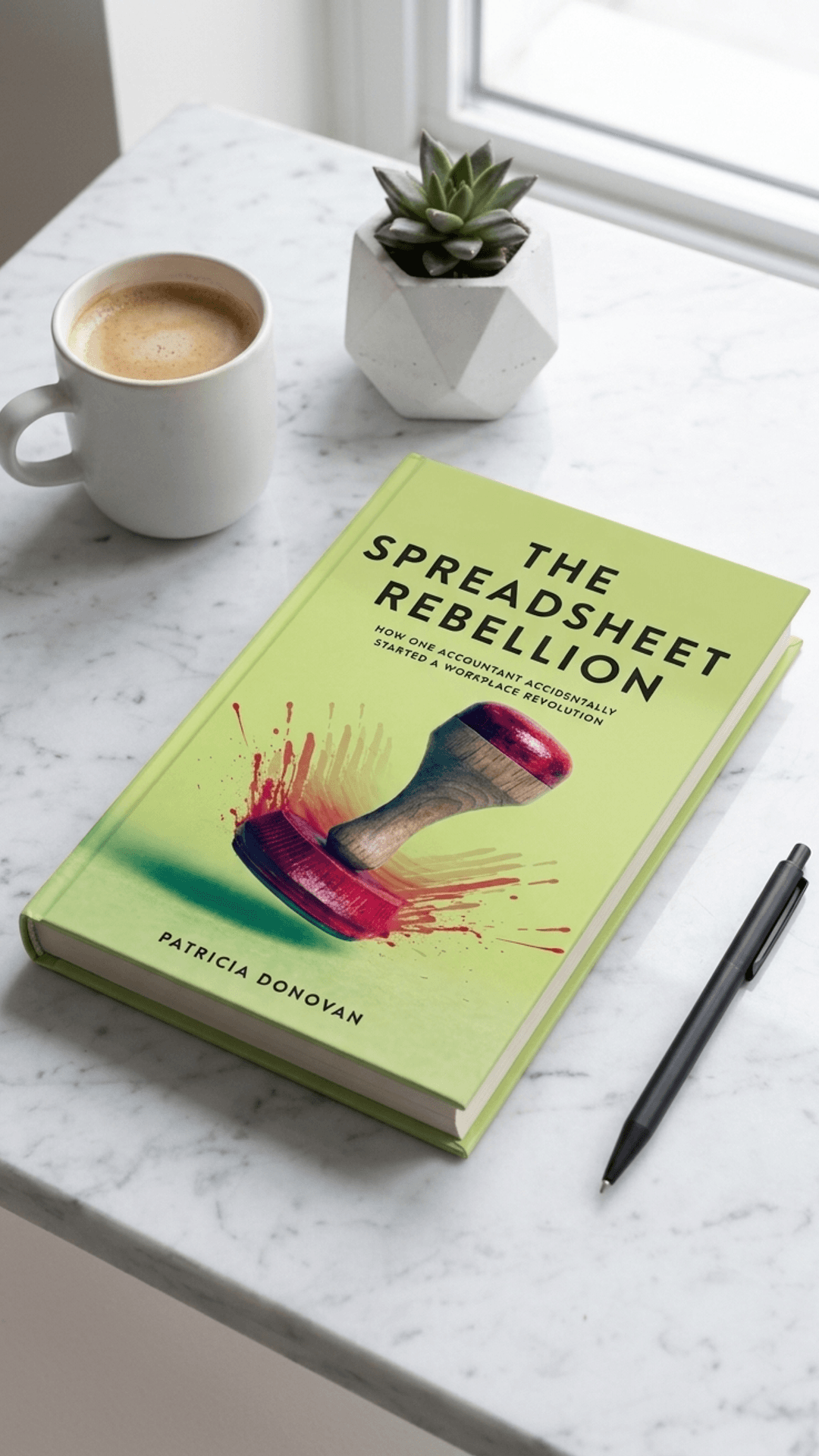
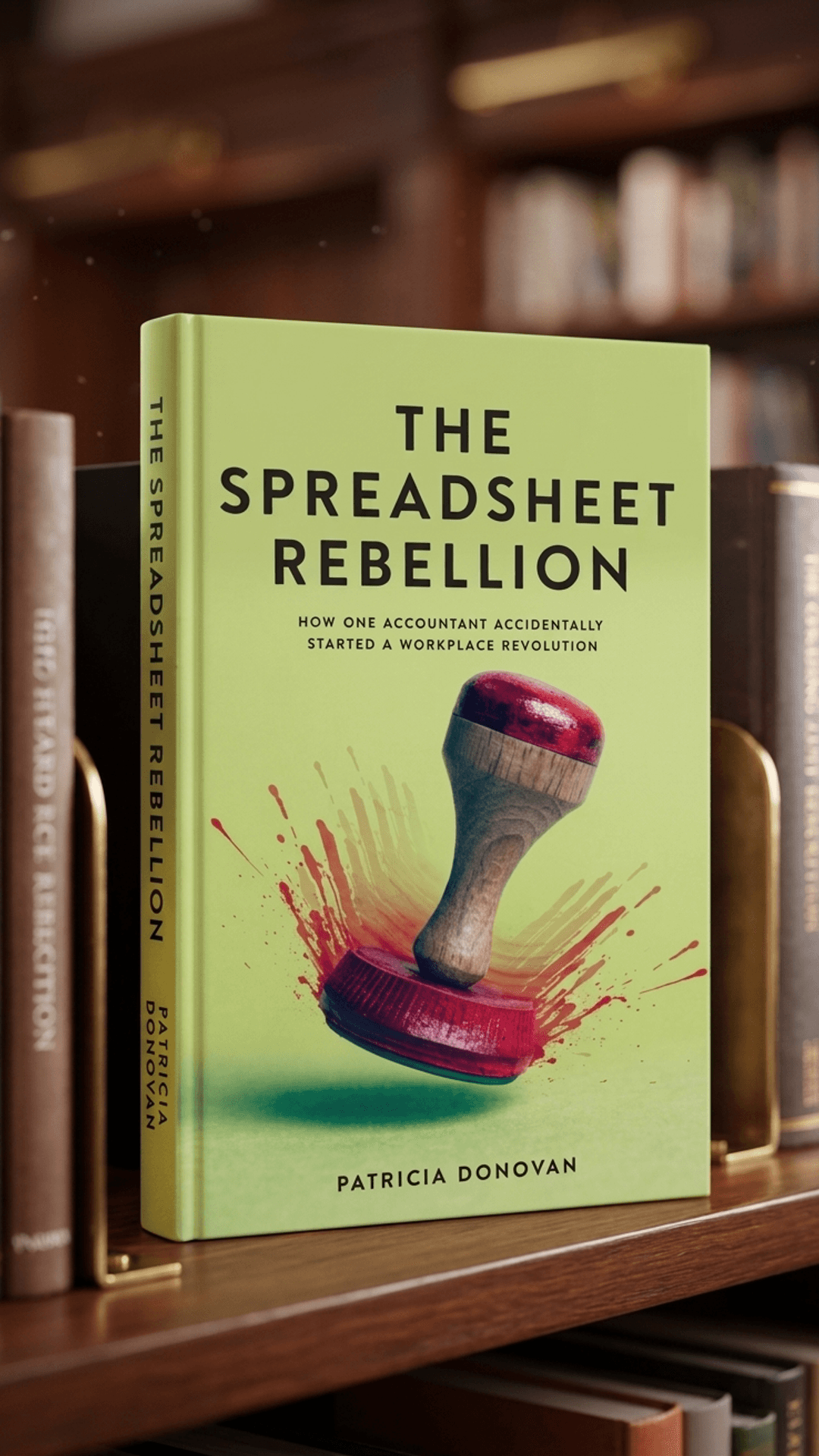
From 1 creditSocial banners, ad images, a 3D mockup, and a promo video generated from your cover, so your launch assets match the book.
What the marketing pack includes
Start a series
1 credit per next coverYour upload becomes Book 1. The next book's cover is generated to match it — same style, same colours, same title lettering — so readers know the sequel from across the shelf.
Costs are in generation credits from your Pro balance — an ad image or one social mockup is 1 credit each, the 5-second promo video is 10. Re-opening or downloading something you already generated is free.
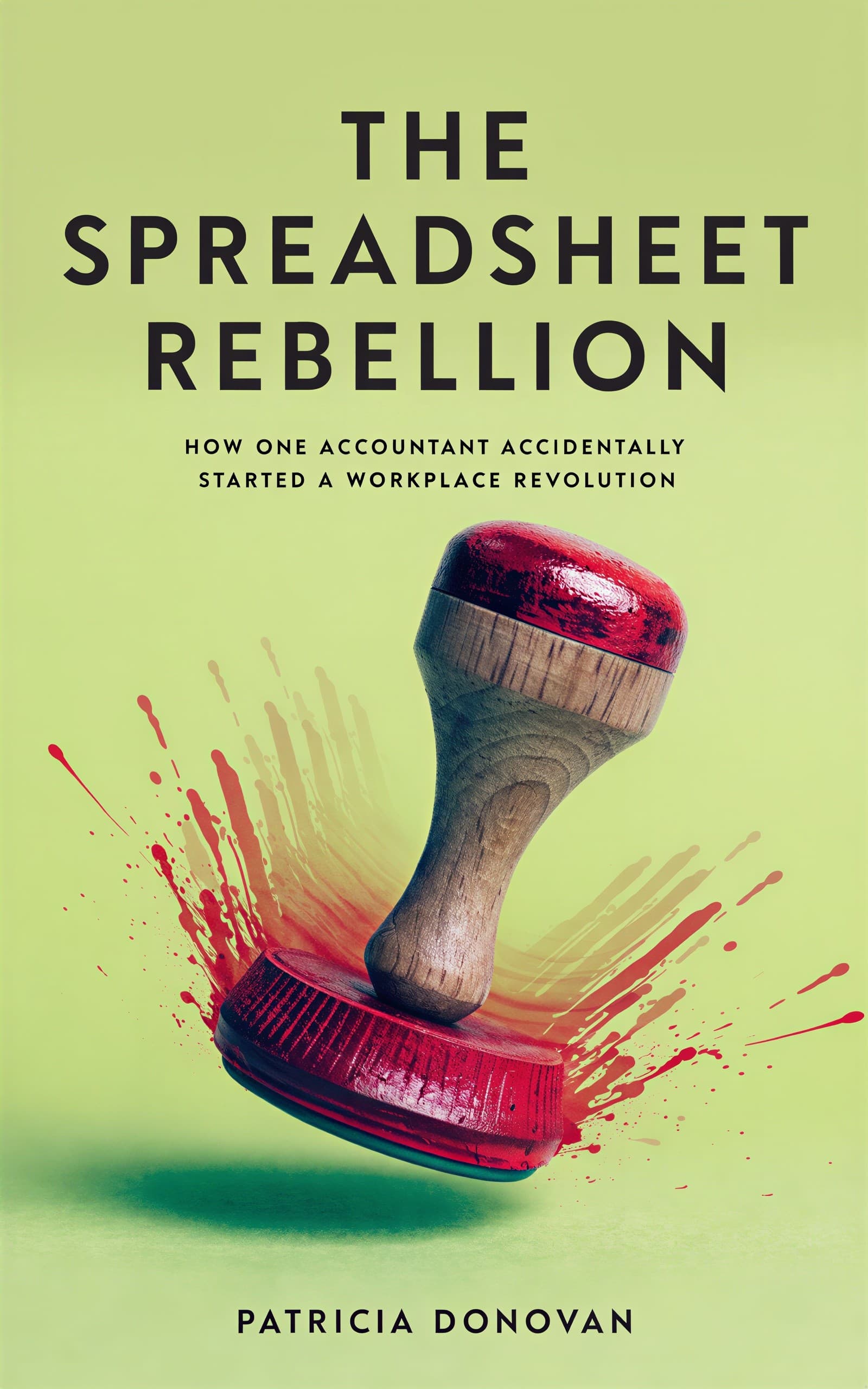
Every format above was built from the single front cover shown at the top of this page.
How It Works
Three steps, and the cover you upload is the one that ships.
Upload your cover
Drop in the finished front cover as a JPEG, PNG, or WebP. It is stored as a project on your shelf, so you can come back to it later.
Confirm the details
The title, author, and genre are read from the cover. Correct anything that came out wrong — all four tools use what you confirm here.
Generate what you need
Pick the print wrap, the audiobook cover, the text-free version, or the marketing pack — or start a series from the cover. Generate one now and the rest whenever you need them.
Who Uses the Studio
It is built for authors whose cover problem is already solved, and whose format problem is not.
You hired a designer
You paid for a front cover and the quote for a print wrap, an audiobook version, and launch graphics came in separately. Upload the cover you own and make the rest yourself.
You are going from ebook to print
Your ebook has been selling and now you want a paperback. You need a spine and a back cover that match a front cover that already exists.
You are publishing an audiobook
ACX wants a square cover. Yours is a 2:3 rectangle, and cropping it cuts the title in half.
You have a backlist
Older titles have covers but no wrap files, no audiobook art, and no marketing images. Bring each one in and bring it up to date.
What the Studio Does Not Do
So you know before you pay.
It does not redesign your cover
Your uploaded front is never replaced by a generated one. If you need a cover in the first place, start with the book cover generator, design one yourself in the book cover maker, or buy a finished design from the premade cover marketplace.
It does not edit the text on your cover
Typography tools work on covers generated in BeYourCover, where the text layers are known. On an uploaded cover the title is part of the image — the studio can remove it for a text-free version, not restyle it in place.
It does not accept a cover you do not own
You confirm that you hold the rights to the image before the upload goes through, and every upload is moderated.
One Plan Unlocks the Studio
The External Cover Studio is part of Pro — a one-time purchase, not a subscription.
Pro plan
One-time payment. No monthly fees. Credits never expire.
The External Cover Studio, included:
- Upload your own cover — no generation required
- Full print wrap for KDP & B&N Press (2 credits)
- Square audiobook cover for Audible & ACX (1)
- Text-free version of your artwork (1)
- Marketing images & promo video (from 1)
- Start a series from your upload — matching next covers (1 each)
Additionally:
- 50 generation credits + unlimited high-res downloads
- 130+ premium cover styles & the full editing suite
- Unlimited books sharing one credit balance
Publishing as a team or through the API? See the Enterprise plans — the studio is included on every tier.
Frequently Asked Questions
Yes — that is what the External Cover Studio is for. Upload a finished front cover from a designer, another application, or an earlier project, and BeYourCover builds the other formats around it. You confirm that you hold the rights to the image before the upload goes through.
No. The studio does not replace your front cover with a generated one. Your design is the source for everything it makes — the wrap, the audiobook version, the text-free version, and the marketing images. The one tool that alters the artwork is the text-free version, and only because removing the title and author is the point of it.
A Pro or Enterprise plan, and the finished front cover as an image file. There is nothing to install, and you do not need to generate a cover first — you can upload straight into the studio.
A JPEG, PNG, or WebP up to 10 MB, between 256 × 256 and 4096 × 4096 pixels. Uploads are moderated, and the front is adapted to a 5:8 working format for the studio.
Yes. You give the binding, trim size, page count, and paper type, and the spine width is calculated from them. The wrap exports as a print-ready PDF for Amazon KDP and Barnes & Noble Press, in paperback and hardcover printed case.
Yes. Uploaded covers sit on your dashboard under External Covers. Open one to reach the same four tools again — anything you already generated is still there, so you can download it or carry on where you stopped.
Yes, on Pro. The Book Launch Kit is a one-time add-on that turns your uploaded cover into 3D mockups, Amazon A+ banners, an ad image, a promo video, your Amazon listing, ads and social copy, and a launch calendar. The studio saves only the title, author and genre, so the kit first asks what the book is about. The listing and posts then describe your real book.
The generator makes a new front cover from a description of your book. The External Cover Studio starts from a front cover that already exists and makes every other format from it. If you need the cover itself, start with the book cover generator instead.
Keep Reading
The guides for each tool, and the background on the formats they produce.
Product guides
- Use the External Cover Studio
The step-by-step guide, from upload to every output.
- Create a full wrap cover
Binding, trim, page count and the spine maths behind the wrap.
- Export and repurpose covers
Audiobook, text-free and high-resolution downloads.
- Create marketing resources
Ads, social mockups and the promo video.
- Build a Book Launch Kit
Mockups, your Amazon listing, ads copy and a launch calendar from one cover.
From the blog
- Repurpose one cover for print, audio and ads
The whole workflow this page automates.
- Amazon book cover dimensions
Ebook pixels and every KDP print trim size.
- Hardcover vs paperback
Which binding to wrap for, and why it changes the spine.
- How to create an audiobook cover
What Audible and ACX actually require.
Need the cover itself? Generate one, browse the template library, or see example covers by genre.
Stop Paying Twice for the Same Cover
Upload the design you already own and take it to print, to audio, and to your launch — in one place.
Pro is a one-time payment — no subscription, no recurring charges.
