Book Cover Maker
Pick a style, make it yours — no design skills needed
Start from 160+ professionally designed genre styles. Add your title and author name, adjust the fonts, colors, and layout until it feels right, and download a cover that's ready for KDP, IngramSpark, and every ebook store.
Make 2 covers free — no credit card required.
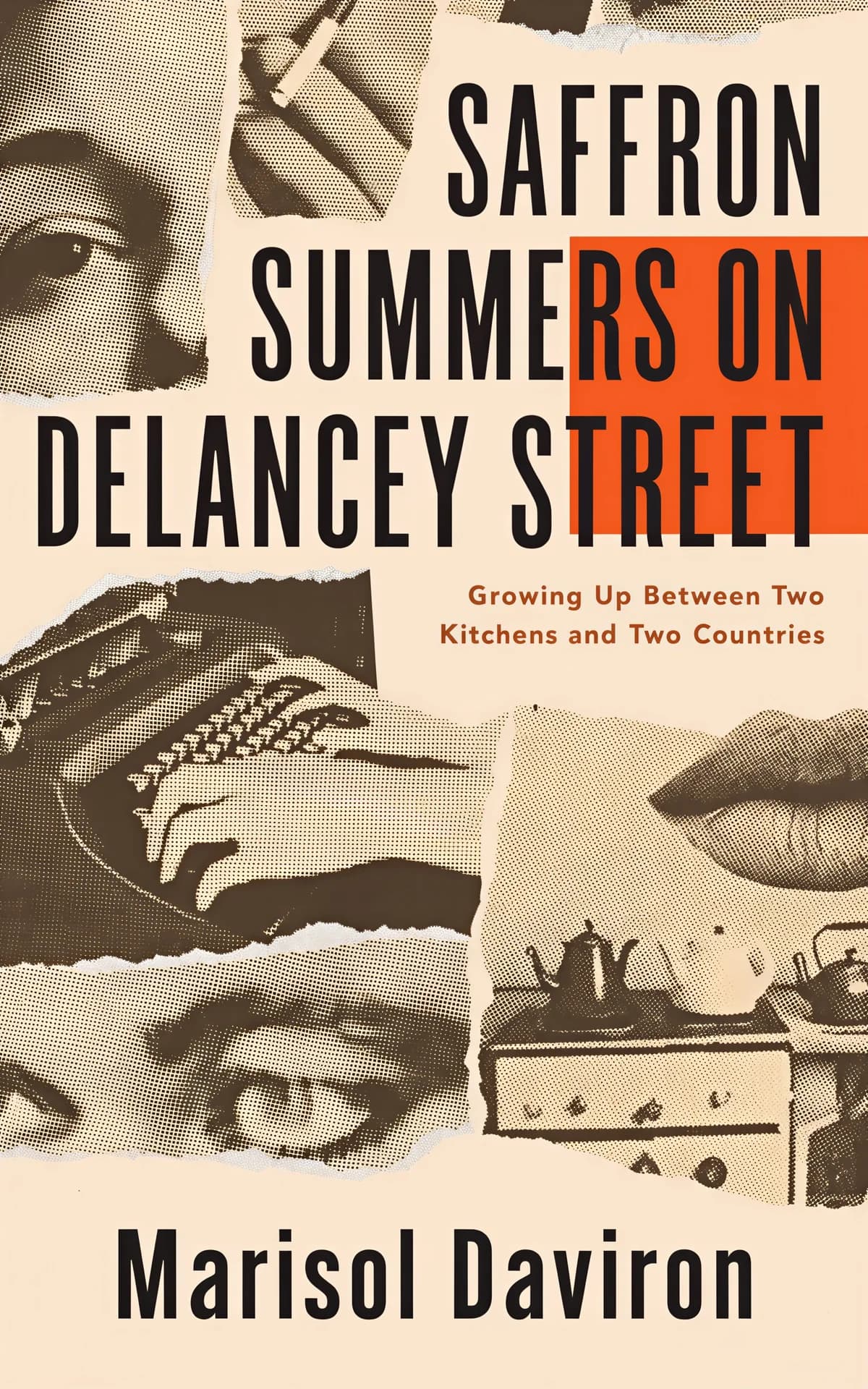
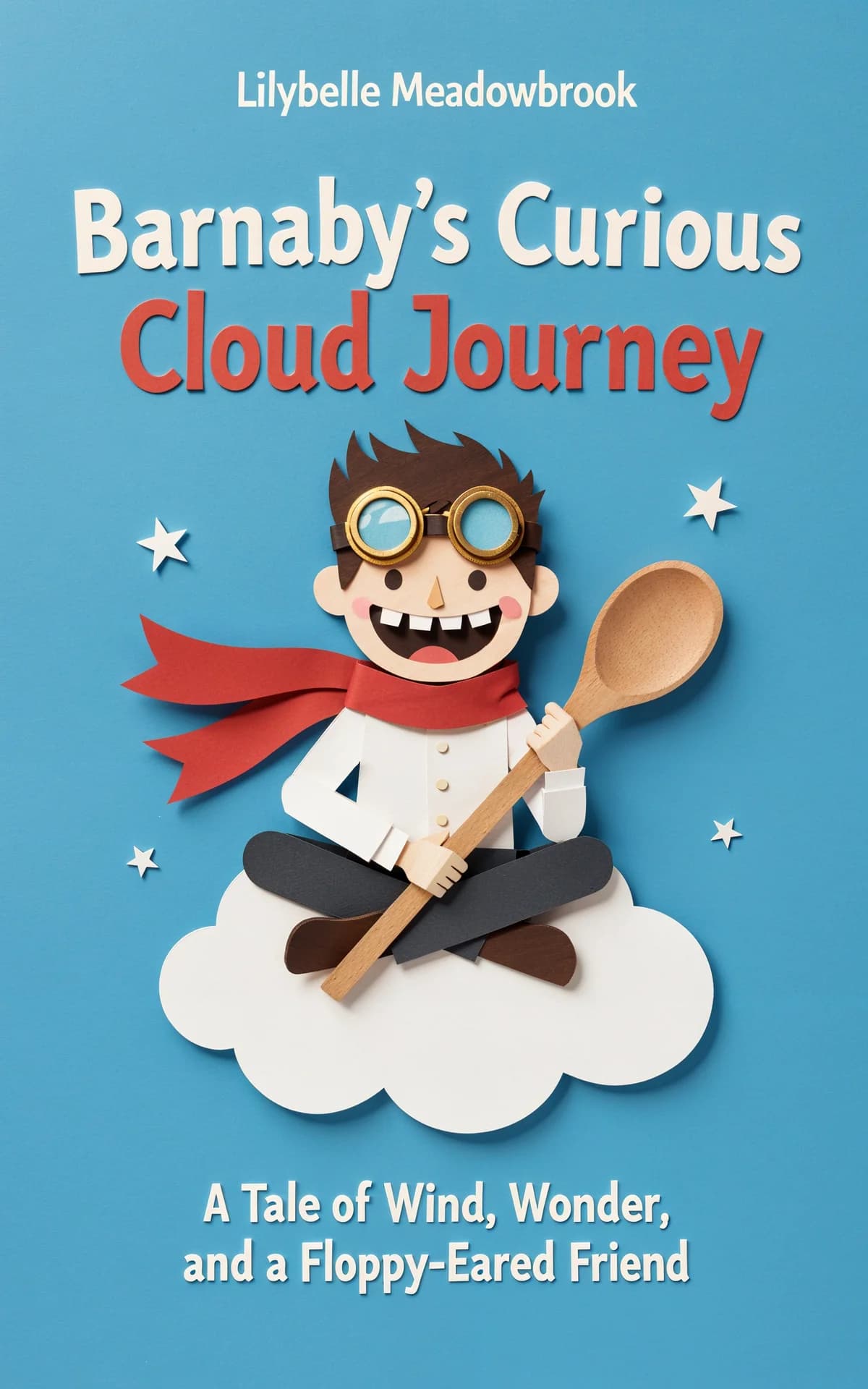
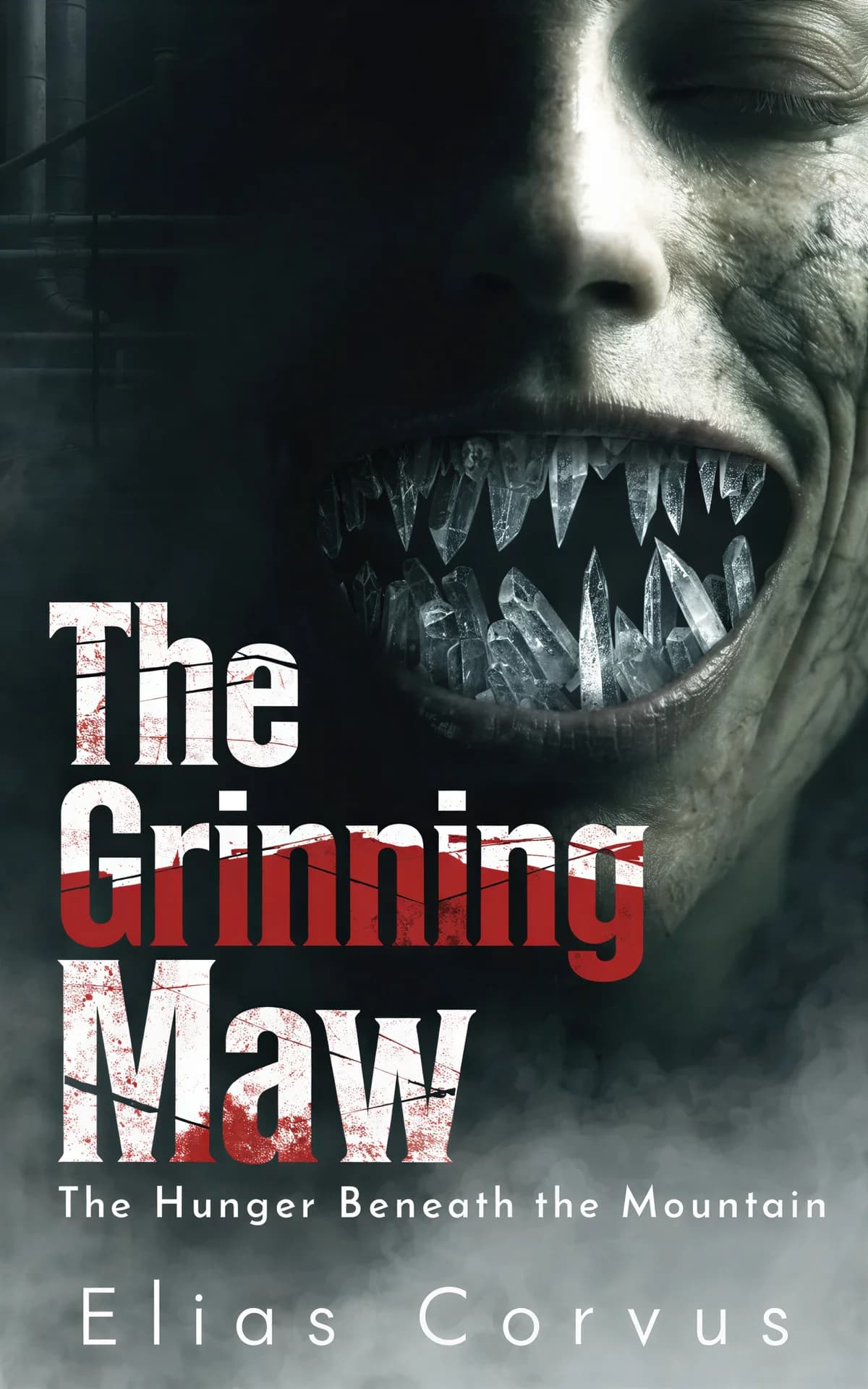



10,000+ indie authors are creating beautiful covers with BeYourCover.
What authors say about BeYourCover
I have used BeYourCover for 2 books now and I am very pleased. I had some questions after completing my 1st and they were very prompt and helpful. I plan to use them for the rest of my book covers.
Melanie CurtisSelf-published authorBeYourCover is a great cover tool that allows for a high quality design with creative control. I also love how they're always making enhancements to the tool. Assistance is fast tool.
Maggie SchwanSelf-published authorUsing BeYourCover is super easy and the graphic choices are fantastic. Even so, I ran into a few little issues (user error) and communication with the team was fast and productive.
Laurie AllenSelf-published authorBe Your Cover was incredibly helpful in helping me generate a professional, genre specific, eye catching cover design, at a very affordable cost point for an indie author, that really exemplified my actual book story. I can't wait to see further developments on the tool. I am going to try out the feature to utilize a sketch to help generation for my next book.
EO ToraneAuthorEThe site is amazing, I love it — simple and intuitive. Since they implemented the audiobook feature (within a few hours of my query), I've designed 4 separate covers. So easy.
Steve TAuthorSI needed a service that was economical but could also provide quality covers — the first cover I received was worth it! Compared to other options, BeYourCover is more economical and flexible.
B.P. StoneAuthorBBeYourCover is not only intuitive, but makes fantastic book cover renderings that are easy to change. I've worked with graphic artists, and although they try their best, no one has come close to creating the book cover designs I want as does BeYourCover, and at a fraction of the cost!
TD NikolasIndie authorTThis program has helped me realise the covers that I have been imagining in my head, allowing me to play with the various poses and characters. Highly recommend as it is affordable and very good at creating what I am after, giving me the ability to modify things until they are exactly right.
Kate HarperSelf-published authorKThe app is simple to use, fast, and consistently produces strong, professional‑looking cover images. I appreciate how reliable it is and how easily I can generate a solid visual foundation for my books without needing a full design team.
Wind Walker Enterprise, llcIndie author


Cover Styles by Genre
Every style follows the visual conventions readers expect from its genre — so your cover looks like it belongs on the shelf next to the bestsellers. Pick a genre to see styles and real covers made with them.
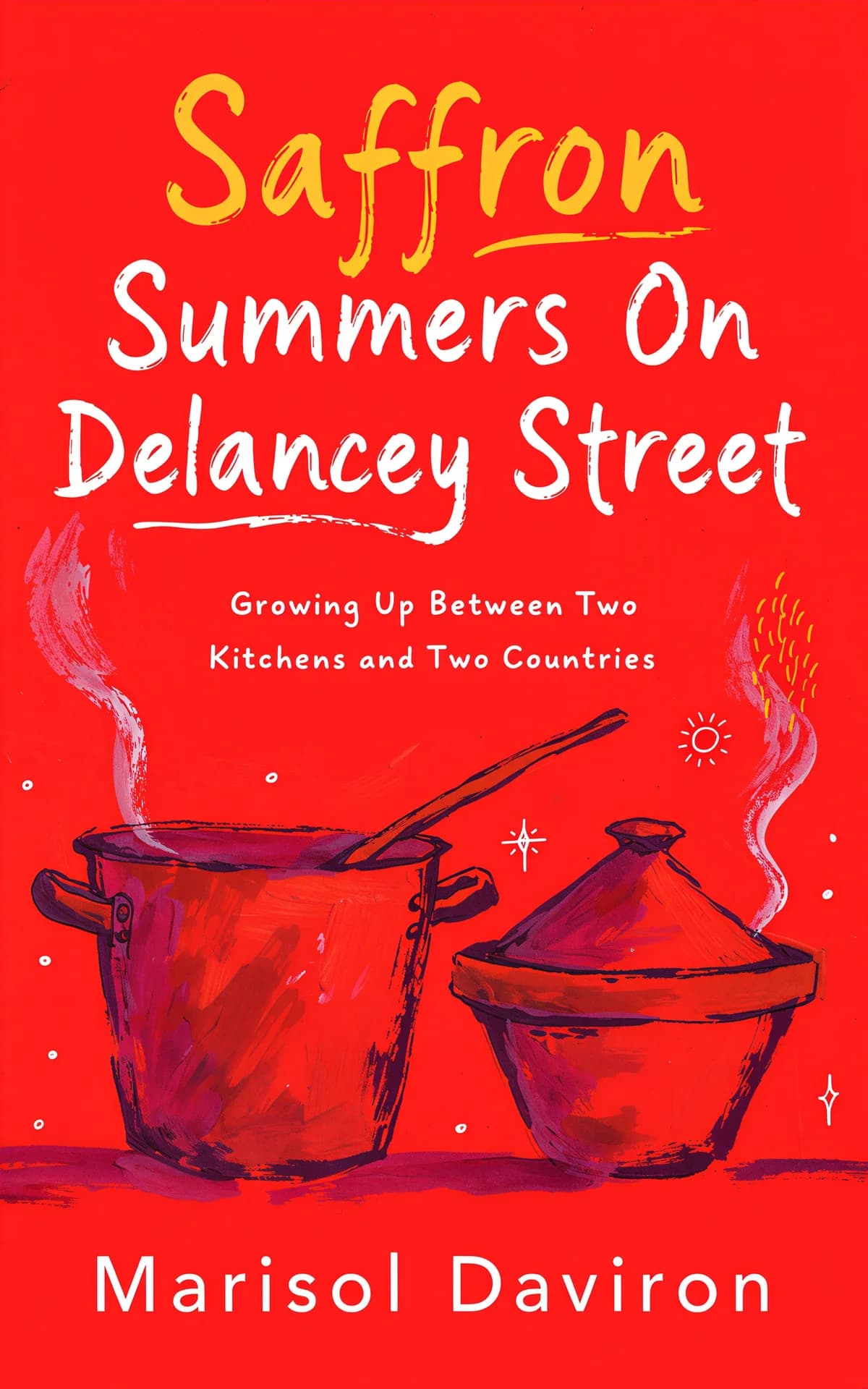
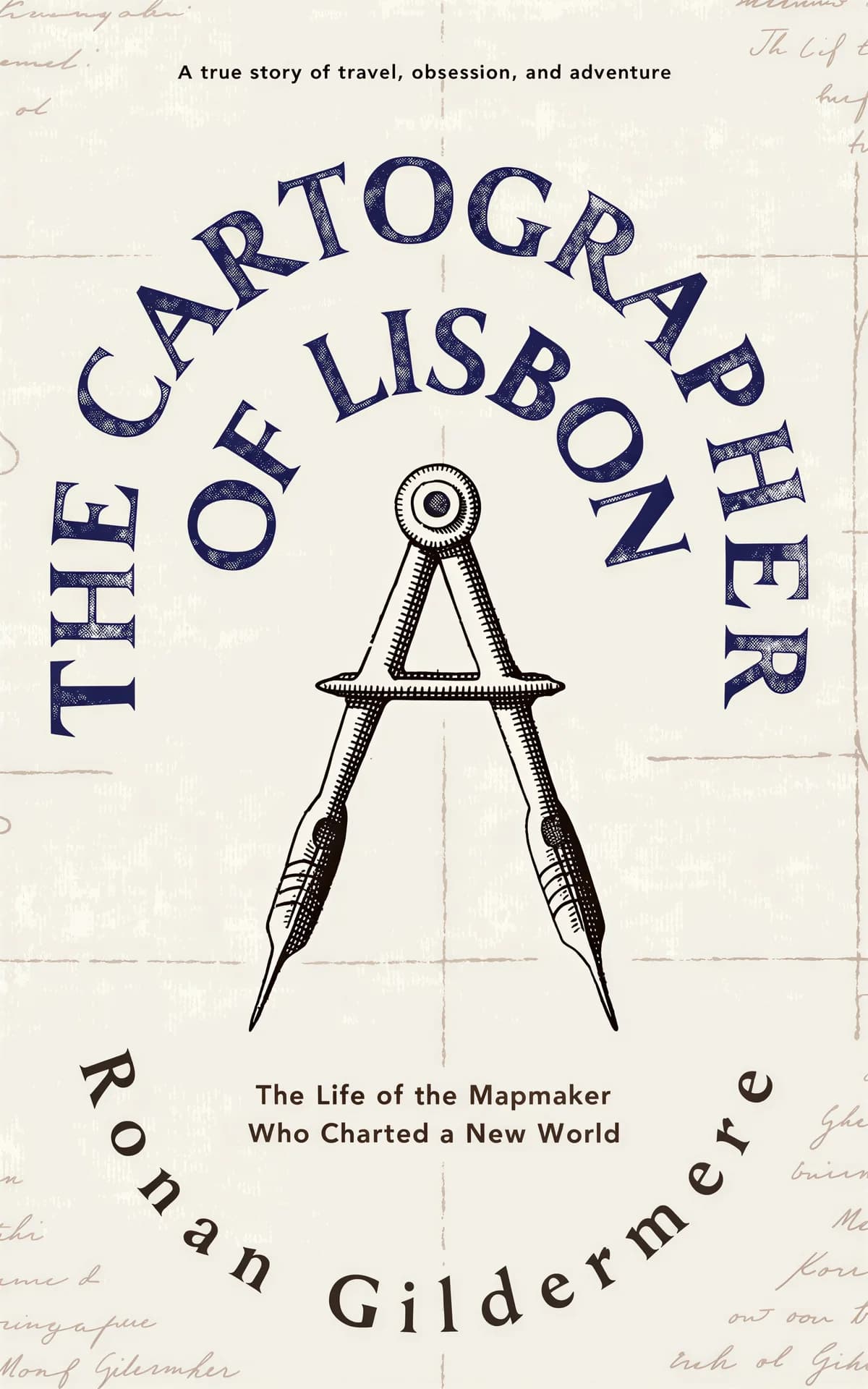
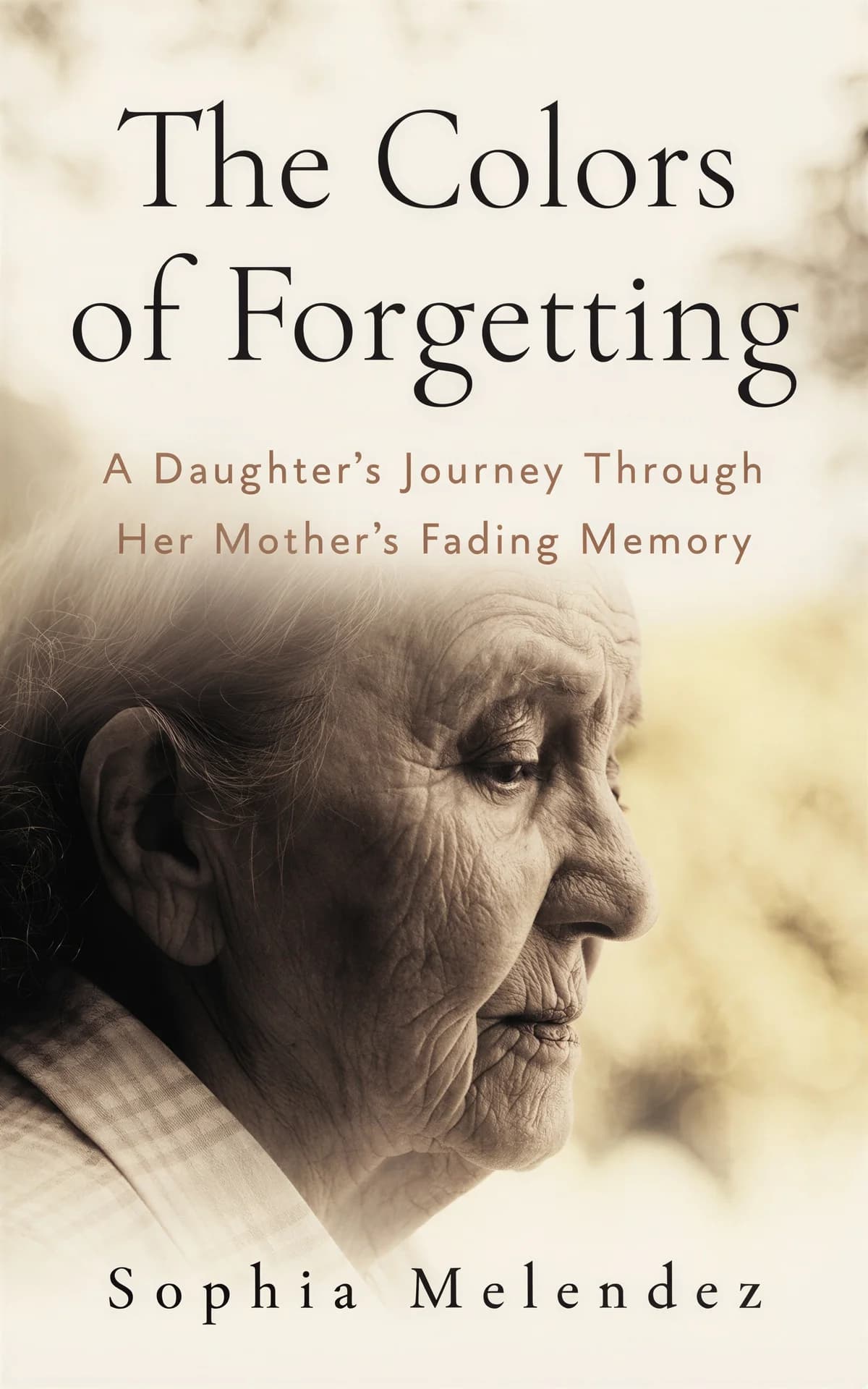

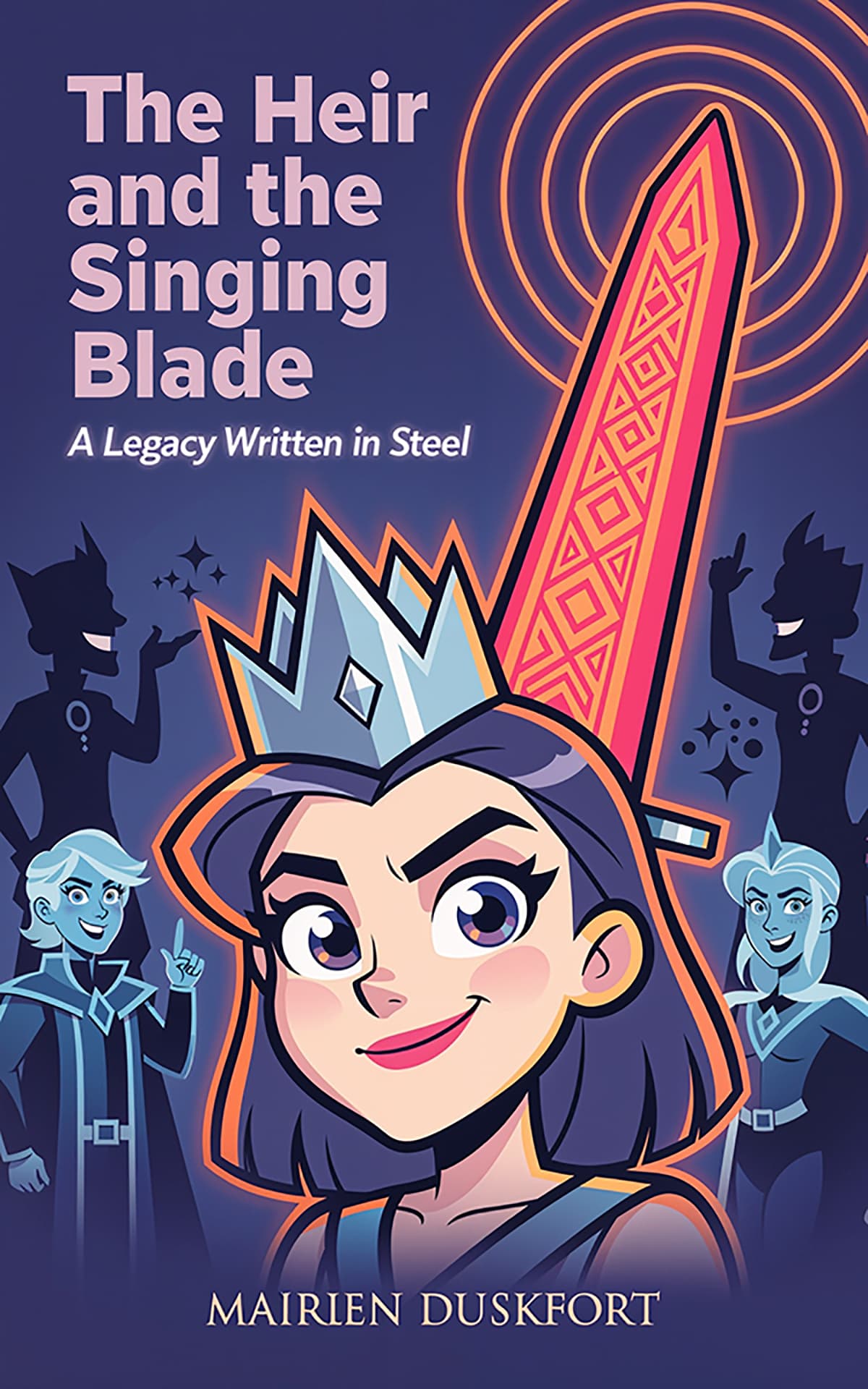
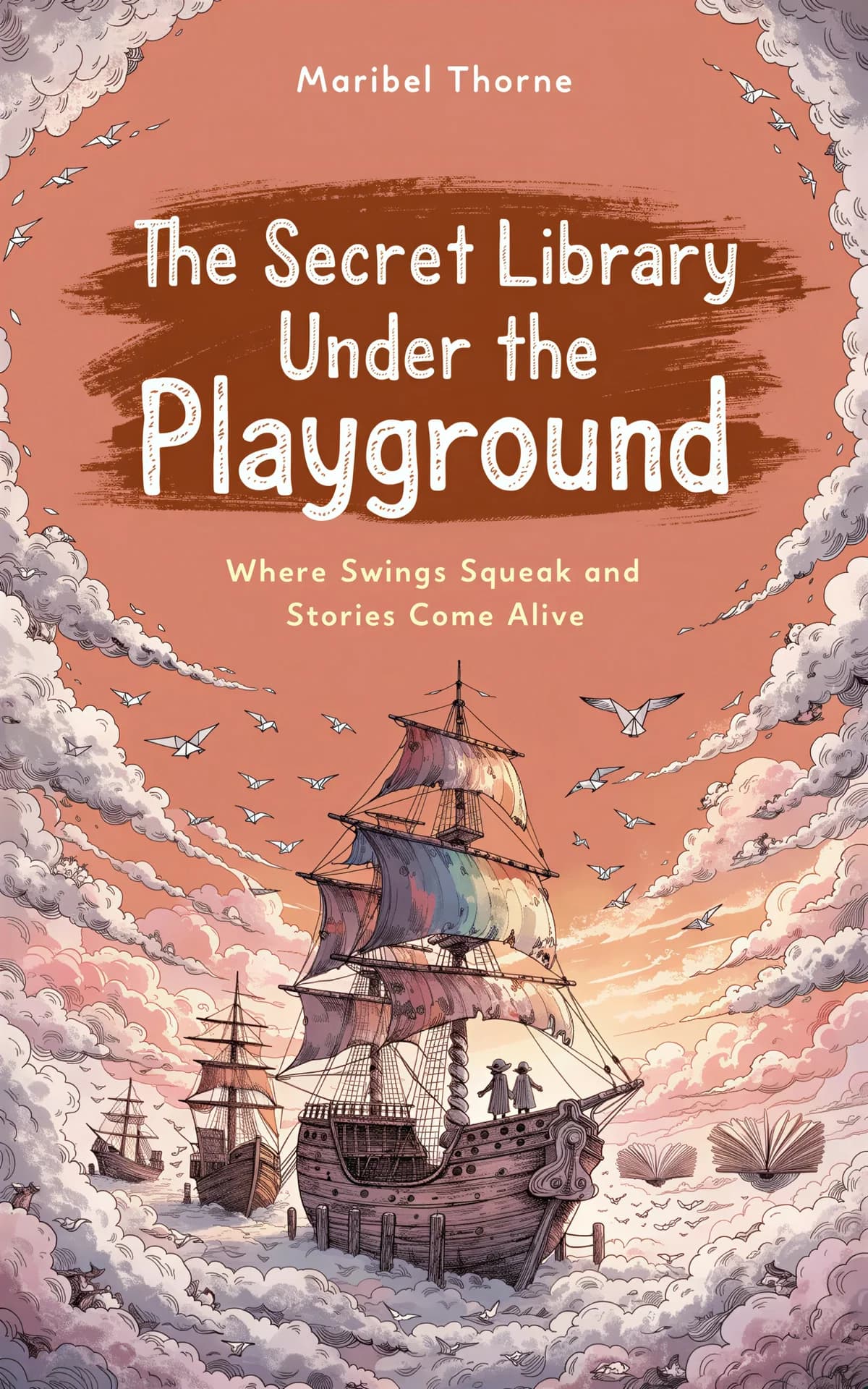
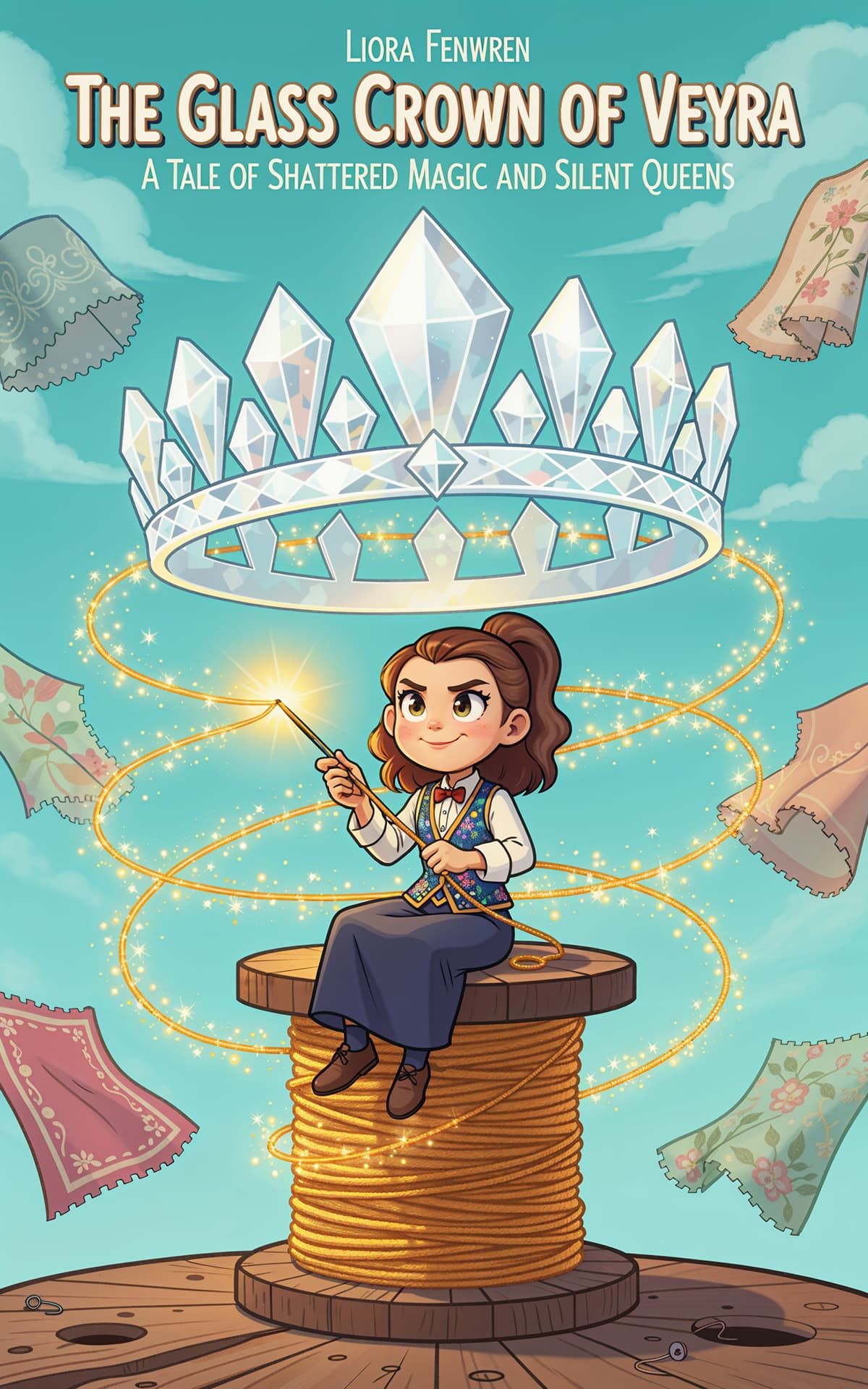
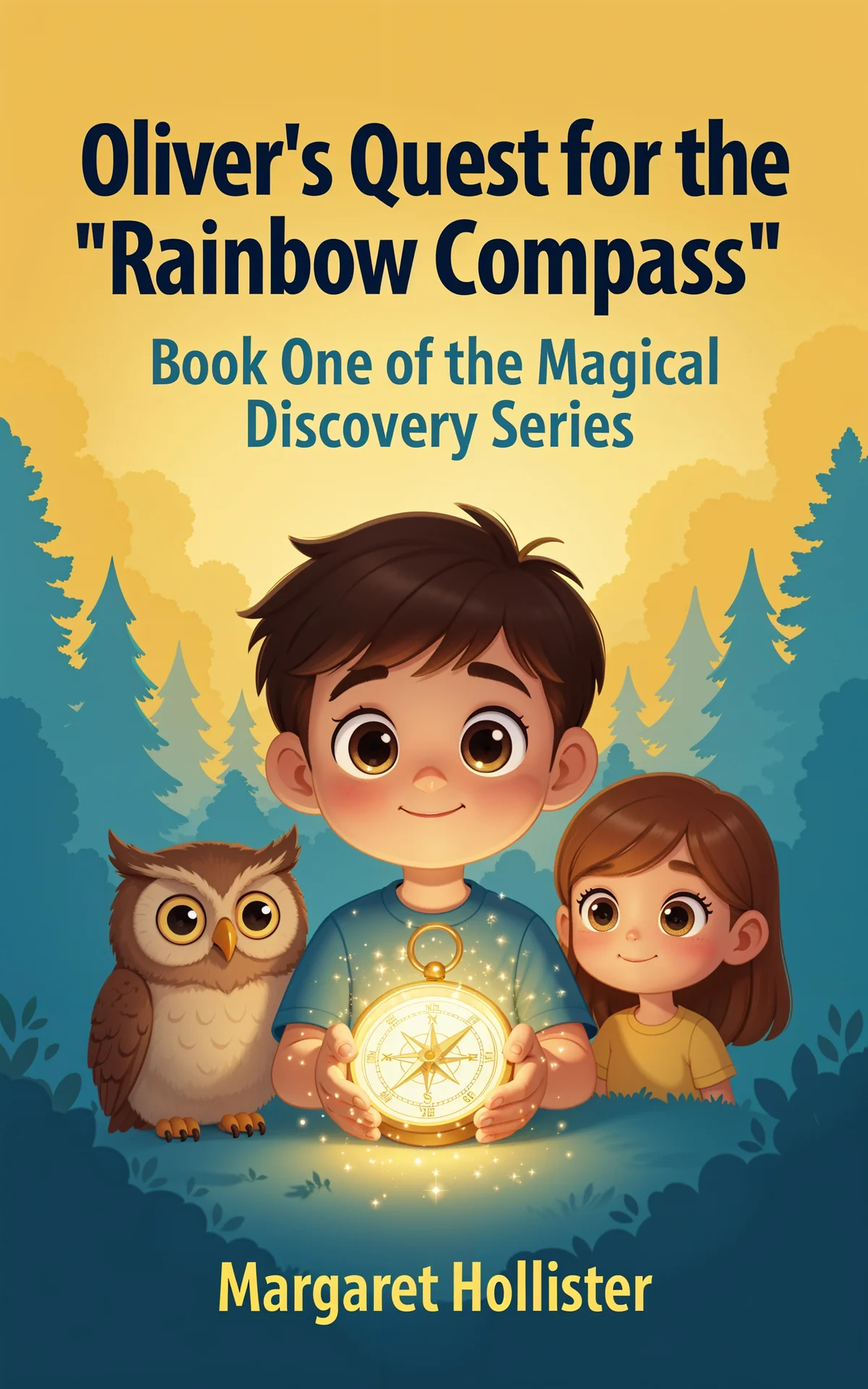
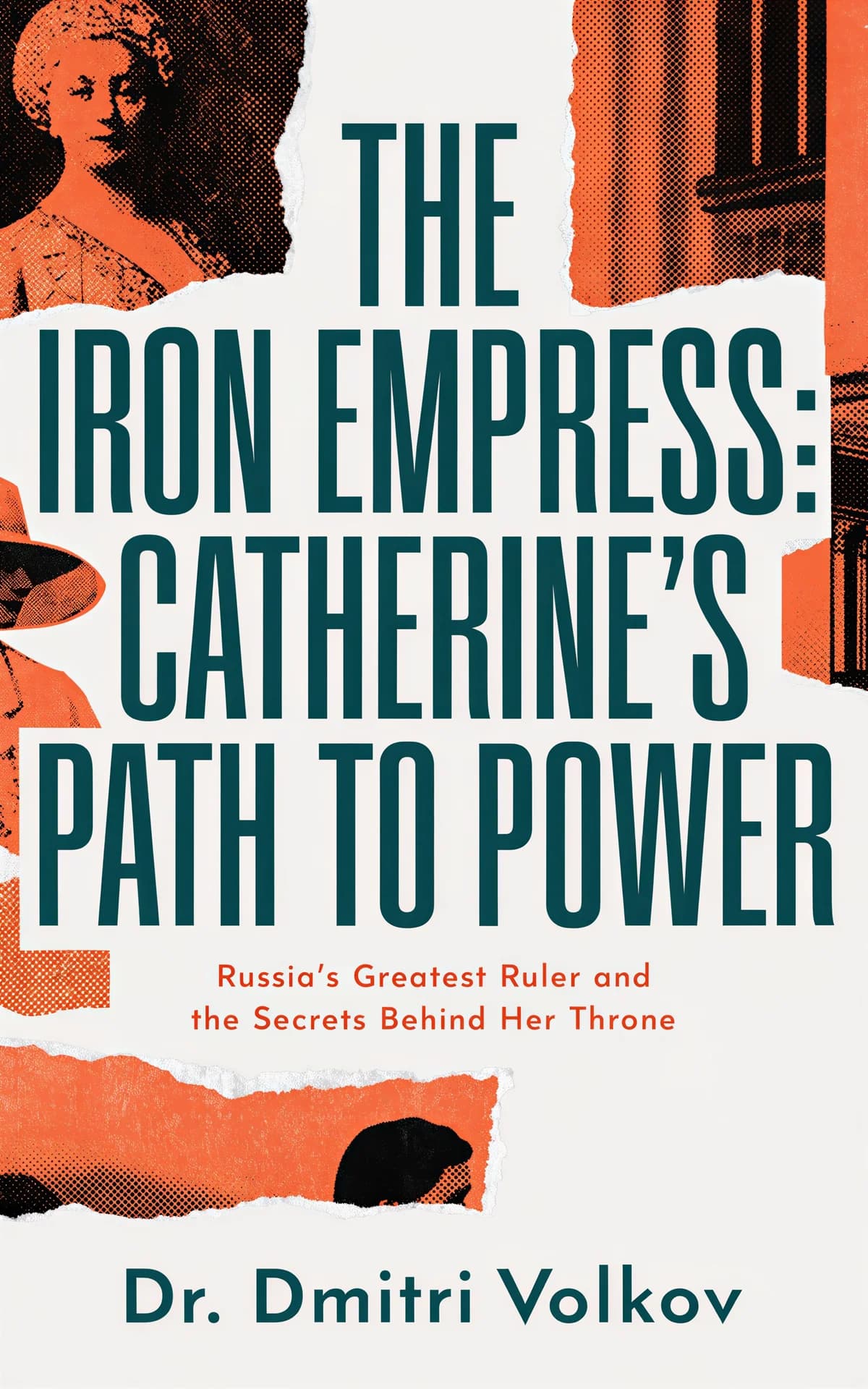
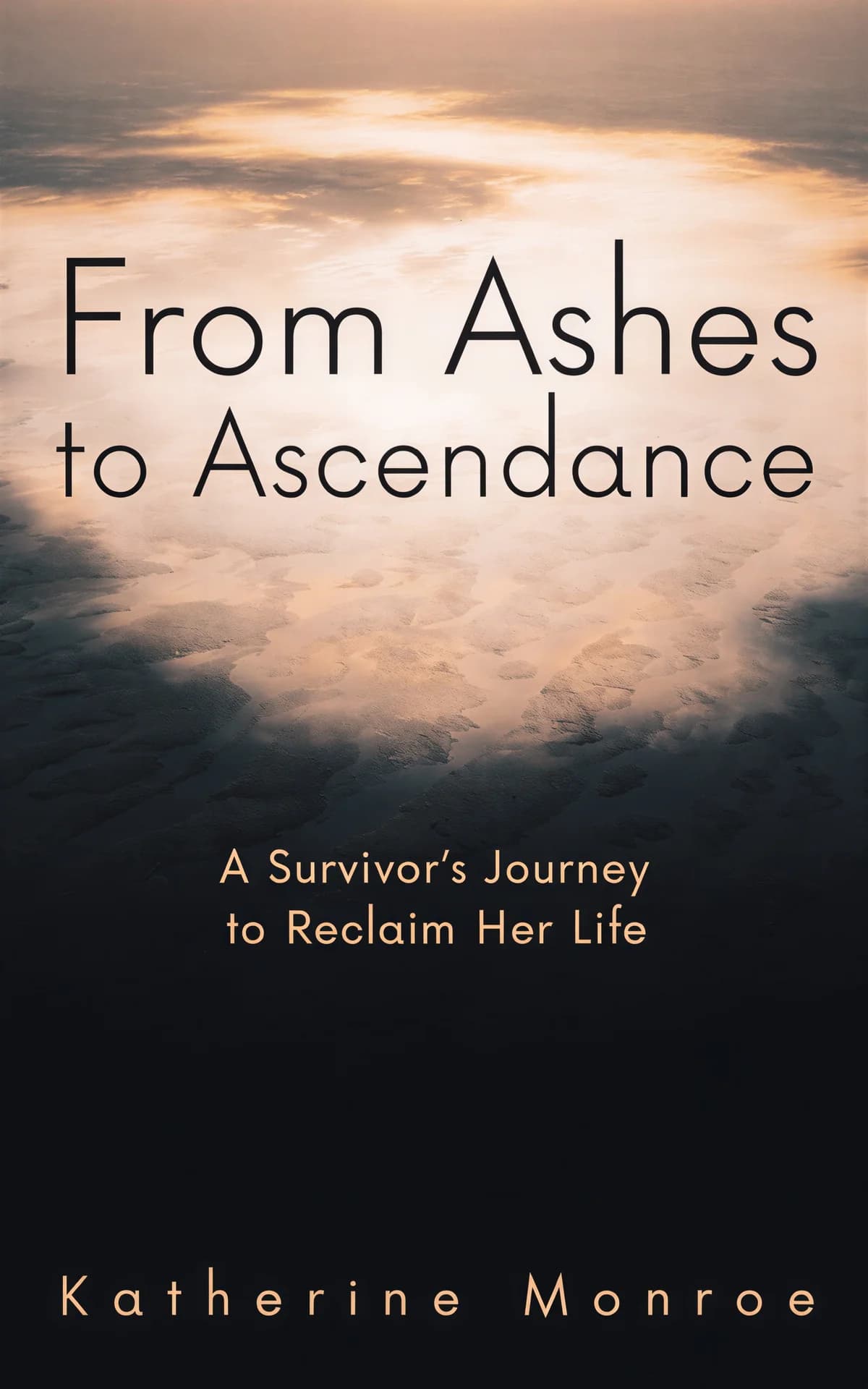

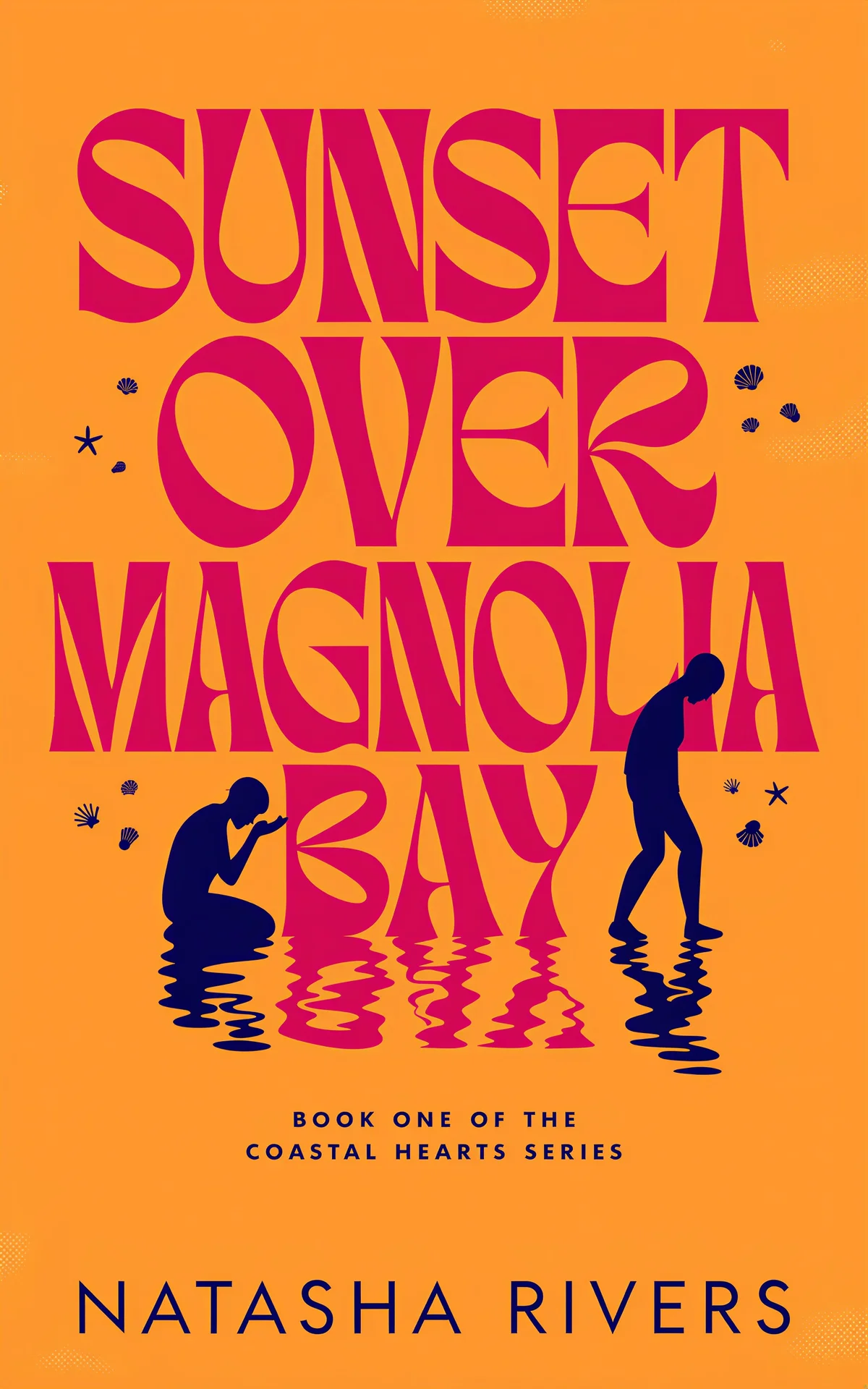
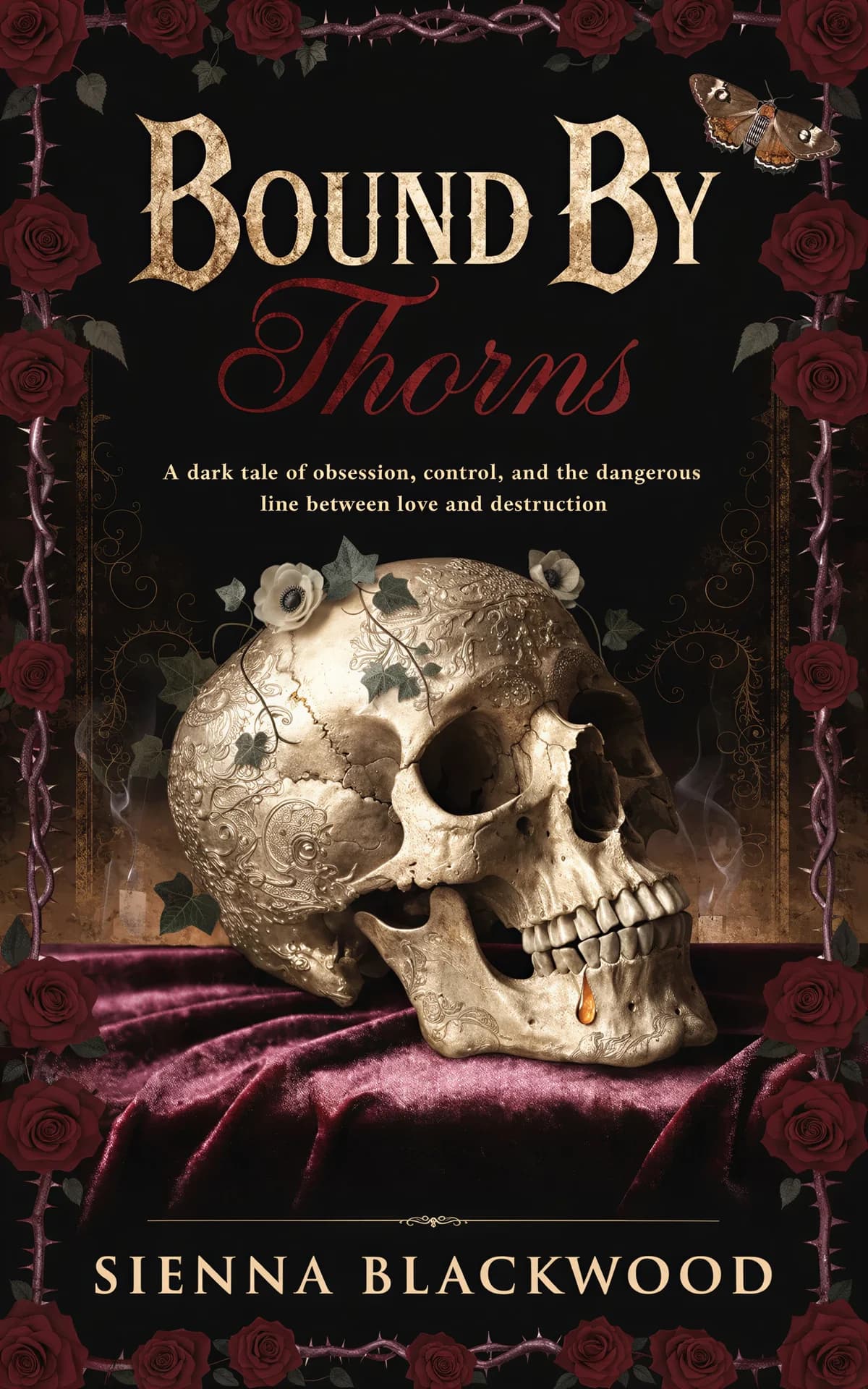
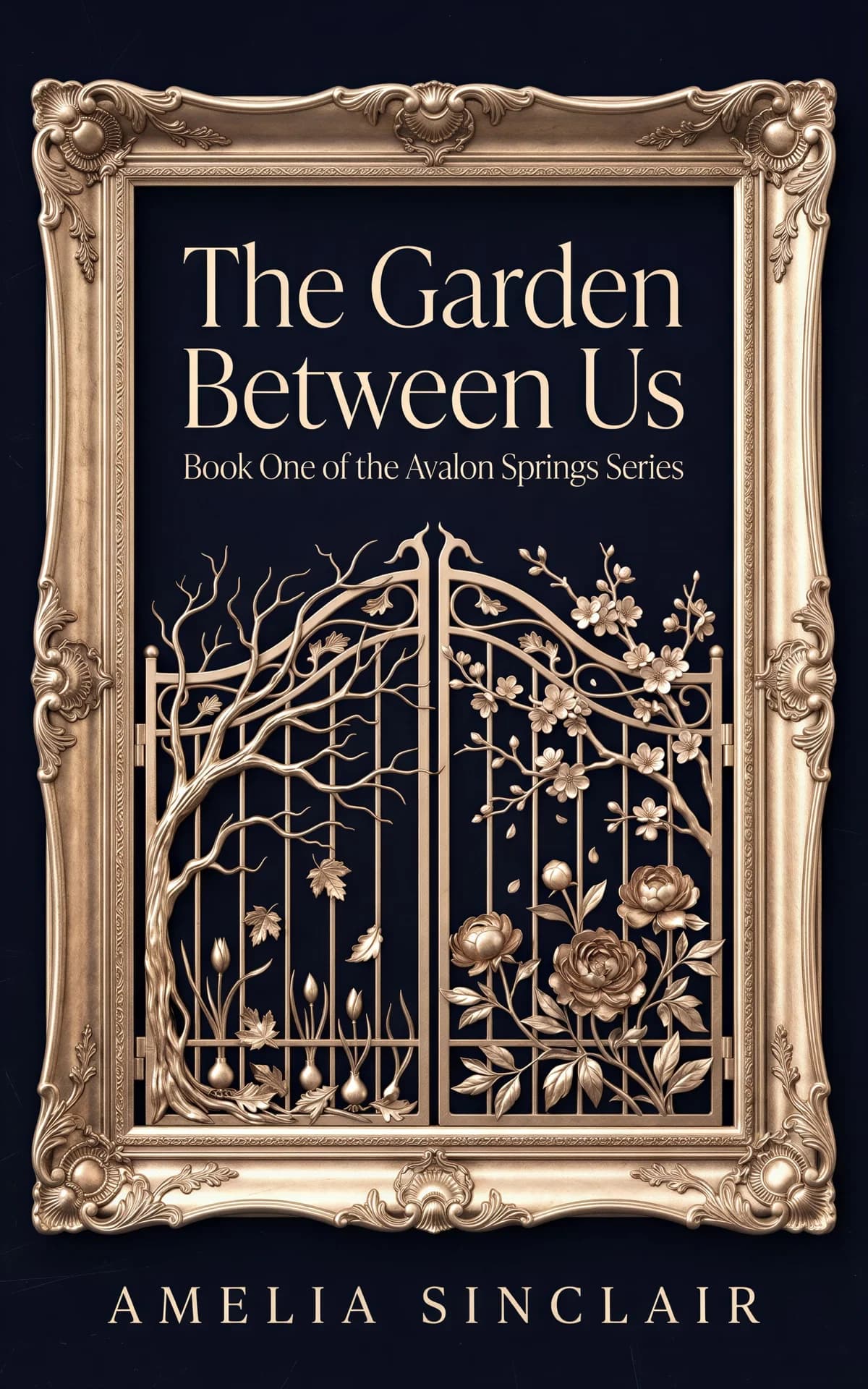



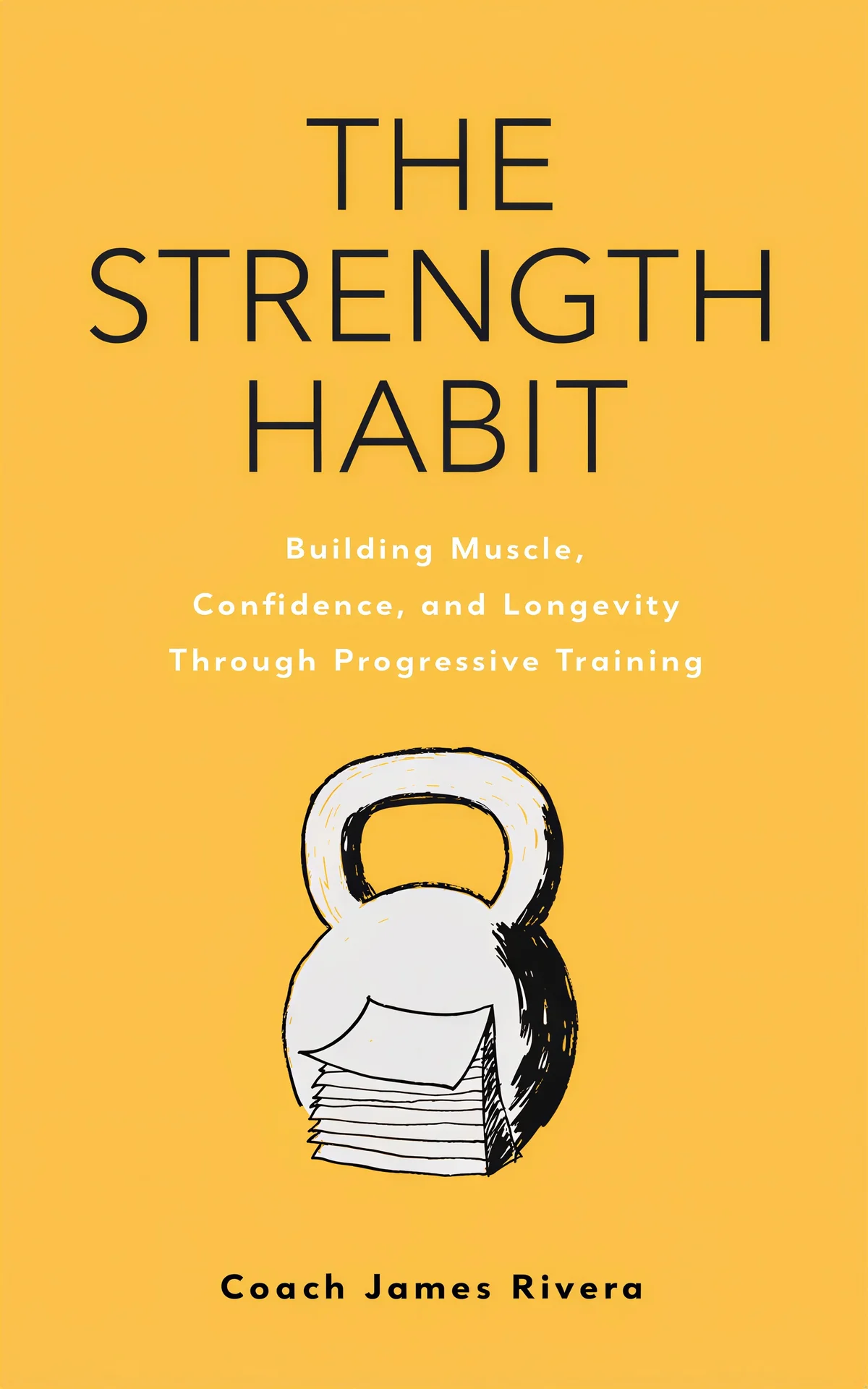



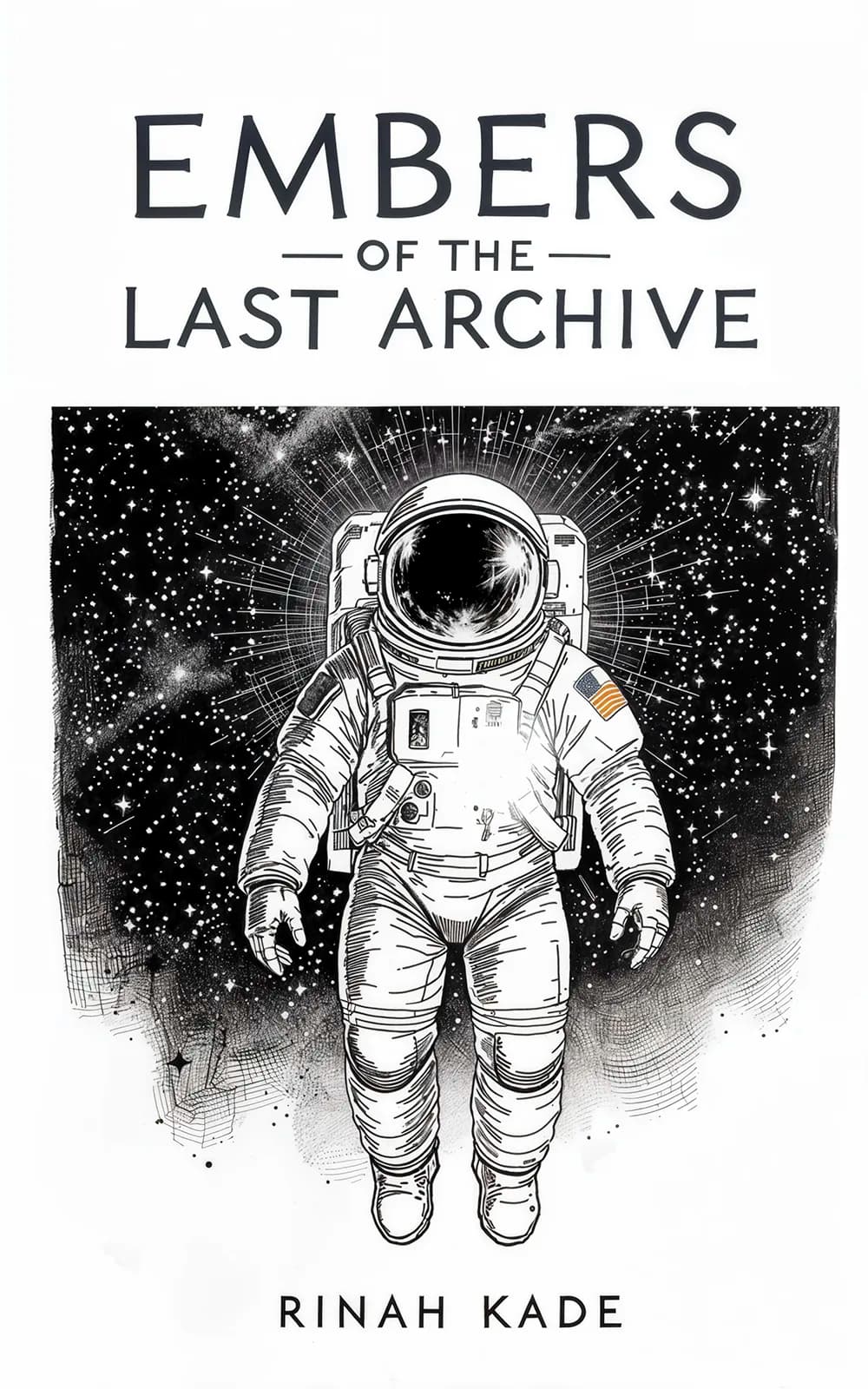
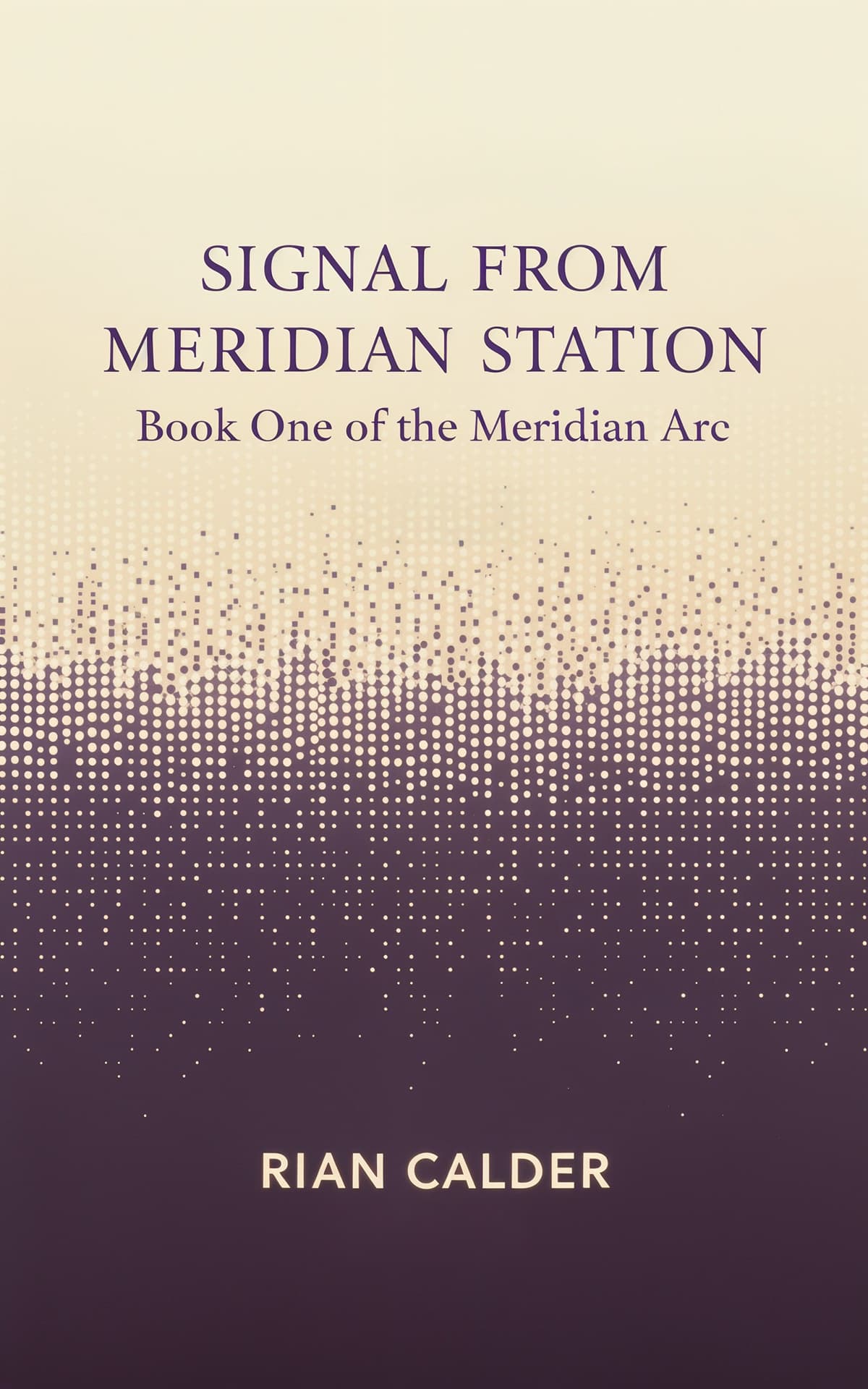
How to Make a Book Cover in 3 Steps
Pick a Style
Browse styles by genre and choose the one that fits your book. Each style already follows the typography, palette, and layout conventions your readers expect.
Make It Yours
Add your title, author name, and a short description of your book. The maker builds the cover around your details — matched to the style you picked.
Fine-Tune and Download
Adjust text placement, fonts, colors, and layout by hand in the built-in editor. Download in high resolution (2K+), ready for KDP, IngramSpark, or any publishing platform.
You Stay in Control of Every Design Decision
This is a maker, not a slot machine. AI drafts the artwork — every design decision after that is yours, by hand.
Full manual editor
Set the title, subtitle, and author name exactly where you want them. Change fonts, sizes, colors, and layout directly on the cover — every text element is yours to move and restyle.
Bring your own artwork
Already have cover art or photography? Upload it and use the maker for typography, print wraps, audiobook versions, and marketing assets built from your art (AI processing helps produce those formats).
AI drafts, you decide
The generator uses AI to draft cover options matched to your book and the style you pick. Every draft is a starting point — you refine it by hand. Want the description-first workflow? See the book cover generator.
Make Your Book Cover Now
Describe your book, pick a style, and get covers you can fine-tune and download — the first 2 are free.
Simple Pricing — No Subscriptions
One-time purchases. No monthly fees. No hidden costs.
Free Trial
$0
2 covers, no credit card
Basic
$19
10 covers, 1 high-res download, 4 styles
Pro
$39
50 covers, unlimited downloads, 160+ styles, advanced editor
Frequently Asked Questions
A book cover maker is a tool that lets you design a professional book cover yourself, without hiring a designer. BeYourCover gives you 120+ professionally designed genre styles — pick the one that fits your book, add your title and author name, and fine-tune fonts, colors, and layout in the built-in editor.
You can make 2 covers for free to try it out — no credit card required. Paid plans are one-time purchases starting at $19 for 10 covers with a high-res download. No subscriptions.
Yes. The style library covers 120+ designs across every major genre: business, self-help, memoir, non-fiction, romance, thriller, mystery, fantasy, sci-fi, horror, literary fiction, children's books, and more. Each style follows the visual conventions readers expect from its genre.
Yes — AI drafts the cover artwork based on your book's details and the style you pick, and AI processing is also used for derived formats like print wraps and text-free versions. What stays fully manual is the design control: typography, layout, and colors are yours to edit by hand, and you can upload your own artwork or photography for the maker to build on.
Yes. All covers download at 2K+ resolution, meeting Amazon KDP's requirements for ebook covers. They also work with IngramSpark, Apple Books, Kobo, Google Play Books, and Barnes & Noble Press. Pro users can generate full print wraps (front, spine, and back).
Three steps: pick a style that matches your genre, add your book's title, author name, and a short description, and the maker builds the cover for you. Then adjust anything you like in the editor — text placement, fonts, colors, layout — and download.
A book cover maker starts from templates and puts you in control of the design; a generator drafts covers for you from a description of your book. BeYourCover does both: browse template styles and make the cover yours, or let the generator propose options first and then edit them by hand.
Yes — Series covers is a built-in Pro feature. Choose a finished cover as the anchor for the series, name the next book, and its cover is generated from that anchor: matching art style, palette, title typography, and recurring characters. You don't have to rebuild the look by hand for every book.
Make a Cover Readers Will Judge Your Book By
Pick a style, make it yours, and publish with confidence. Start with 2 free covers.
