How to Make an AI Book Cover: A Practical Workflow
Learn how to make an AI book cover from brief to final download. Use genre research, focused prompts, variations, editing, and a clear quality check.
Posted by
 Pablo Yáñez
Related reading
9 Best Book Marketing Tools for Indie Authors (2026)
Compare nine book marketing tools for indie authors, from market research and cover design to reader delivery, email, promotion, and ad tracking.
6 Best Book Brush Alternatives for Indie Authors (2026)
Looking for a Book Brush alternative? Six tools for indie authors compared — AI cover generators, mockup makers, and free options — with real pricing.
6 Best Canva Alternatives for Book Cover Design (2026)
The best Canva alternatives for book cover design: AI cover generators, free pro design apps, and author-specific tools — compared with honest pros and cons.
Ready to design your cover?
Use our AI book cover generator to create tailored book cover concepts in minutes.

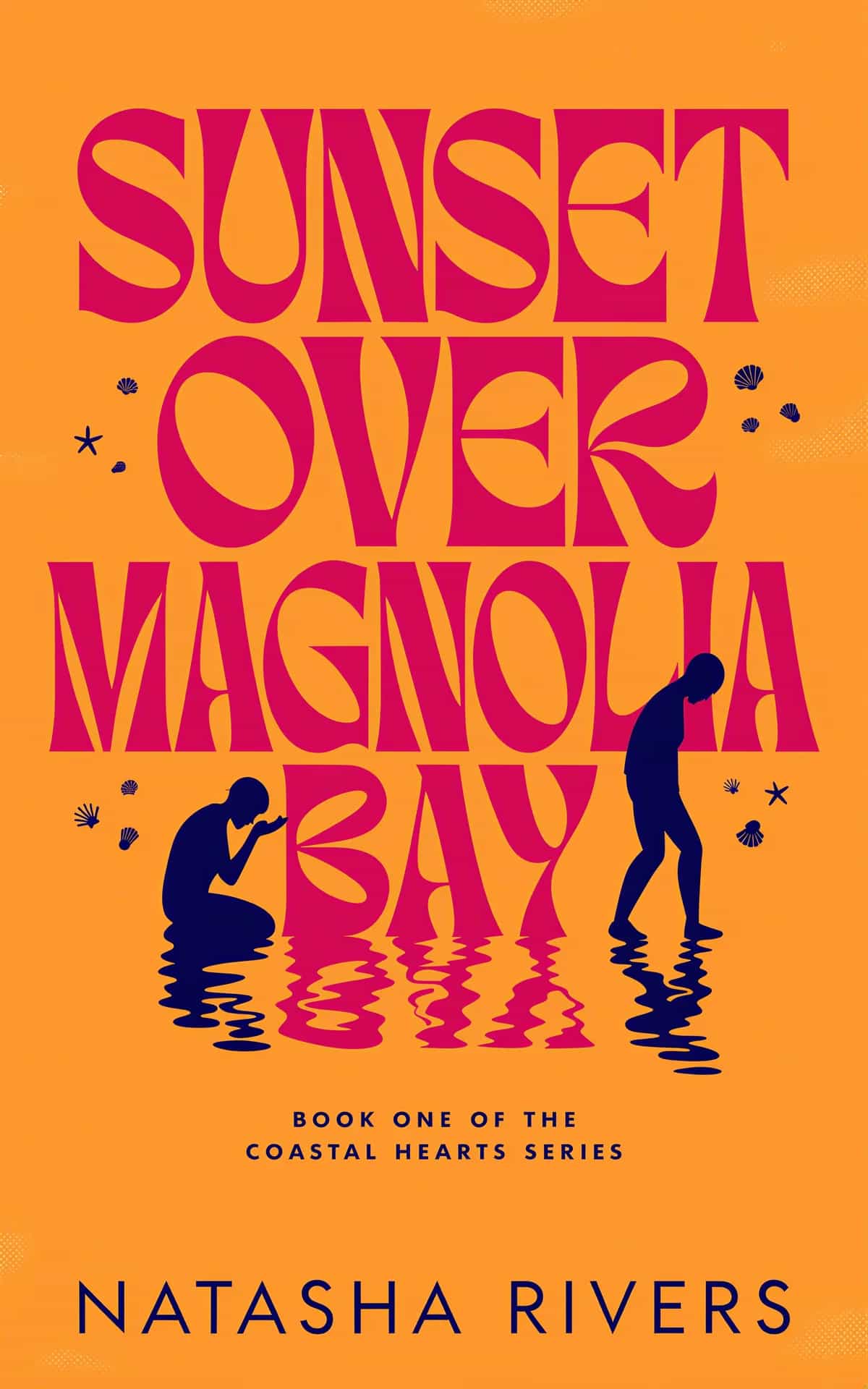
The best way to make an AI book cover is to treat the tool like a fast design partner, not a slot machine. Start with market evidence, generate several different ideas, select at thumbnail size, and edit only after one direction proves itself.
That sequence matters. A weak concept does not become commercial because you polished its shadows. A strong concept can survive small flaws because its genre, title, and focal point already work.
This guide covers the complete workflow. If you are still choosing software, compare the options in our guide to the best AI book cover generators. If you want to start now, open the AI book cover generator.
1. Research the exact shelf before you generate
Do not research “fantasy” when your book is cozy fantasy. Do not research “thriller” when it is domestic suspense. Readers learn the visual language of a narrow category through repeated exposure.
Open the bestseller pages and new releases for your closest category. Record patterns in five areas:
- Title treatment: serif, sans serif, script, illustrated lettering, or large type.
- Palette: dark and cool, warm and bright, muted, pastel, or high contrast.
- Subject: character, landscape, building, object, symbol, or typography.
- Framing: portrait, wide scene, centered object, border, collage, or close crop.
- Promise: tense, romantic, epic, comforting, practical, or authoritative.
You are looking for the category's shared code. You are not looking for a cover to copy. The Book Cover Ideas library offers genre directions and hundreds of examples when you need a faster starting point.
2. Turn the book into a useful cover brief
A manuscript summary tells what happens. A cover brief tells what a reader should feel and recognize.
Include these details:
| Brief field | Useful answer | Weak answer |
|---|---|---|
| Subgenre | Domestic psychological thriller | Fiction |
| Reader promise | Intimate danger inside a perfect home | Exciting and mysterious |
| Focal idea | A lit upstairs window in a dark suburban house | Show the whole plot |
| Mood | Controlled, watchful, claustrophobic | Moody |
| Required text | Title, author, series line | Add some words |
| Avoid | Weapons, police tape, visible attacker | Make it original |
BeYourCover offers two valid starting points. Guided generation turns a short book brief into tailored directions. Free Prompt gives you direct control when the scene already exists in your head.
Use guided generation when you need concepts. Use Free Prompt when you need execution.
3. Generate different concepts before close variations
Your first goal is range. Test different ways to express the same promise:
- A character-led direction.
- A symbolic object direction.
- A scene or setting direction.
- A typography-led direction, when the genre supports it.
Genre-specific templates and built-in style models help each direction start inside the right visual language. You can test photorealistic, illustrated, minimalist, or type-led treatments without rebuilding the whole brief.
Do not compare full-size artwork first. Reduce every result to about 100 pixels tall. Ask three questions:
- Can I read the important part of the title?
- Does one clear shape or face survive?
- Can the intended reader name the genre within one second?
The cover that wins this test deserves refinement. Our book cover design tips explain the hierarchy, contrast, and composition behind this decision.
4. Refine the winner without starting over
Once a concept works, protect what made it work.
Use More like this when you want close alternatives that keep the design family. Use style conversion when the concept is right but the visual medium is wrong. Use a targeted transform when one object, color, or light source needs to change.
Conversational editing is useful when the request needs context. In Cover Chat, say what to change and what to preserve. A precise edit request looks like this:
Replace the metal dagger with clear smoky glass. Keep its straight silhouette, position, title space, blue lighting, and every other object unchanged. Add no runes or metal fittings.
Long object descriptions should contain concrete visual facts. Describe material, shape, surface, lighting, position, and exclusions. Words such as “beautiful,” “epic,” and “professional” do not control an image.
The generator bar's Chat mode can also refer to an existing cover. Use an @ mention to ask for a new direction, combine useful parts of two options, or explore an edit before you spend a generation credit.
5. Treat typography as a separate design stage
AI artwork can support a strong cover, but title design still decides whether it looks published.
First, verify the title and author letter by letter. Automatic text validation reduces errors, but the final proof remains yours. Then use the live text editor to control:
- Font family, weight, size, and color.
- Title, subtitle, series line, tagline, and author hierarchy.
- Letter spacing and line height.
- Uppercase treatment.
- Alignment, centering, shadows, and outlines.
- Visibility, order, duplication, and position of text layers.
Add a new layer when the cover needs a series name, endorsement, or tagline. Hide a detected layer when it is not useful. Use the AI font editor when you want a more custom title treatment without changing the artwork.
Avoid adding text only because space exists. Each line needs a sales or identification purpose. Our guide to fonts for book covers shows how type choices change the genre signal.
6. Run a commercial quality check
Inspect two versions of the cover: a large image and a marketplace thumbnail.
At full size, check:
- Hands, eyes, teeth, jewelry, architecture, and repeated patterns.
- Accidental letters, symbols, watermarks, and extra objects.
- Edges around edited areas.
- Title spelling, author spelling, and punctuation.
- Licensed or protected material that you did not intend to use.
At thumbnail size, check:
- Title readability.
- One dominant focal point.
- Clear contrast behind the text.
- Fast genre recognition.
- A clean shape beside competing covers.
Favorite the best version so it becomes the book's dashboard thumbnail. This small organization step matters once a book has many experiments. Search can find the title or author across the full library when the shelf grows.
7. Export the right file for each use
Download the high-resolution front cover only after the design passes both checks. Ebook, audiobook, and print use different files.
- Ebook: a tall front cover prepared for the retailer.
- Audiobook: a square adaptation that preserves the title and focal point.
- Print: a full wrap with back, spine, front, bleed, and safety areas.
- Marketing: mockups and ad formats built from the approved cover.
Do not stretch one file into every shape. Recompose it. The guide on repurposing a book cover for print, audio, and marketing explains that next stage.
After a download, BeYourCover can ask for a one-tap star rating. That feedback does not replace proofing, but it helps other authors judge the product from real completed workflows. If you get stuck, live chat is available from the app.
The short version
A reliable AI cover workflow separates seven decisions: market, brief, concepts, selection, artwork edits, typography, and export. Make each decision once, in that order.
The expensive mistake is not a bad first image. It is spending hours refining the wrong idea. Generate wide, choose small, and polish only the concept that already sells the book at a glance.
Relevant Free Tools
Keep going with the right generator
These tools match the topic of this article and give readers a direct next step.
Book Title Generators
Book Title Generator
Generate compelling book titles with AI. Get 10 unique, commercially viable title ideas for your book in seconds. Free, no signup required.
Open tool
Character Name Generators
Character Name Generator
Generate character names with AI. Find hero, villain, fantasy, male, and female name ideas that fit your genre, tone, and setting.
Open tool
Ready to Create Your Own Book Cover?
Turn your story into a visual masterpiece. Fill in the details below to start generating professional covers instantly.