Book Marketing Assets You Need for a Strong Launch
Plan the book marketing assets for your launch: mockups, ads, A+ images, captions, listing copy, email, video, audiobook art, and a usable calendar.
Posted by
 Pablo Yáñez
Related reading
9 Best Book Marketing Tools for Indie Authors (2026)
Compare nine book marketing tools for indie authors, from market research and cover design to reader delivery, email, promotion, and ad tracking.
6 Best Book Brush Alternatives for Indie Authors (2026)
Looking for a Book Brush alternative? Six tools for indie authors compared — AI cover generators, mockup makers, and free options — with real pricing.
6 Best Canva Alternatives for Book Cover Design (2026)
The best Canva alternatives for book cover design: AI cover generators, free pro design apps, and author-specific tools — compared with honest pros and cons.
Ready to design your cover?
Use our AI book cover generator to create tailored book cover concepts in minutes.

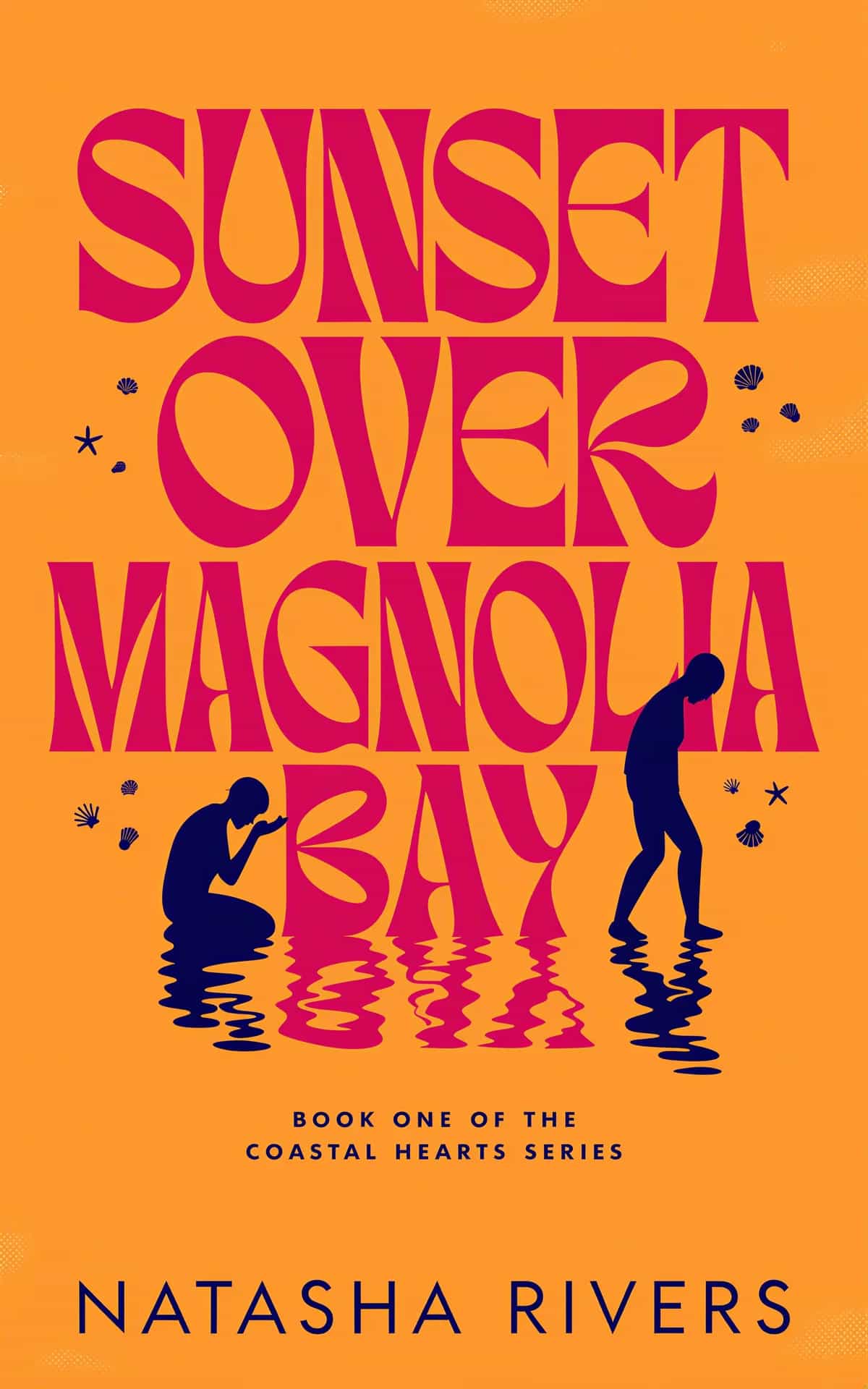
Book marketing assets are the files and copy that turn a finished book into a coordinated launch. A cover alone is not a campaign. You also need store copy, social images, captions, email, ad creative, and a schedule that tells you when to use each item.
The goal is not to make the largest possible folder. It is to prepare one useful asset for each launch job.
The minimum viable book launch pack
Start with these deliverables:
| Launch job | Asset | Main purpose |
|---|---|---|
| Present the book | Final cover and high-resolution files | Recognition across every channel |
| Build the listing | Description, keywords, categories | Conversion and discoverability |
| Announce the release | Email and social captions | Give readers a clear reason to act |
| Show the product | Book, phone, and e-reader mockups | Help readers picture the format |
| Support ads | Clean ad image, headlines, keyword list | Run a small, measurable campaign |
| Improve the product page | Text-free or A+ graphics | Explain mood, themes, and value visually |
| Control the sequence | Checklist and dated calendar | Prevent missed tasks and random posting |
If a deliverable has no placement, date, or audience, it is not ready. “Make more graphics” is not a plan.
Lock the source material first
Do not build the launch pack while the cover and metadata still change every day. Confirm:
- Final title, subtitle, author, and series line.
- Approved cover and text-free artwork.
- Book description and central reader promise.
- Formats that will be available at launch.
- Launch date and live or planned sales links.
- Core audience and exact subgenre.
Every asset should repeat the same promise. If the Amazon description sells a warm small-town romance while the ad looks like dark suspense, the campaign creates doubt.
Build the store listing before the social calendar
The product page is where attention must convert. Prepare it before you plan a month of posts.
Description
Write a strong hook, a clear setup, escalating stakes, and a genre-appropriate close. Keep mobile readability in mind. Our book blurb guide gives you a practical structure.
Keywords
Use phrases that describe reader intent, trope, setting, audience, or problem. Do not waste every slot by repeating words already clear in the title and subtitle.
Categories
Choose the closest shelves, then confirm that the visual promise of the cover matches the books found there.
A+ graphics

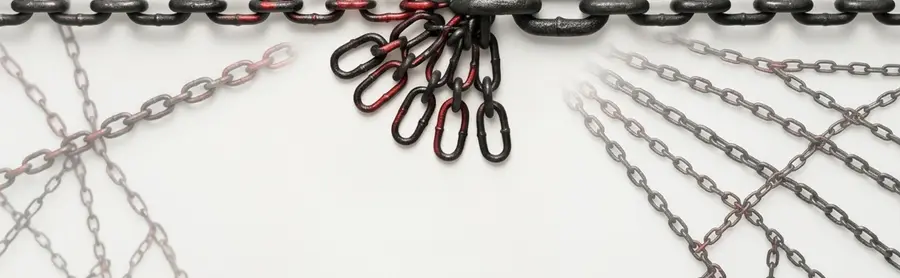
Those two stack. The artwork runs off the bottom of the first and continues at the top of the second, so your listing copy sits between them and the module still reads as a single image rather than two unrelated banners.
Use text-free artwork with calm areas for overlay copy. Keep pricing, short-lived claims, and unsupported rankings out of the image. Review the retailer's current rules before upload.
The BeYourCover Book Launch Kit creates a ready-to-paste listing kit with description, keyword suggestions, and category suggestions. Treat every suggestion as a strong draft, then compare it with the live category and your final manuscript.
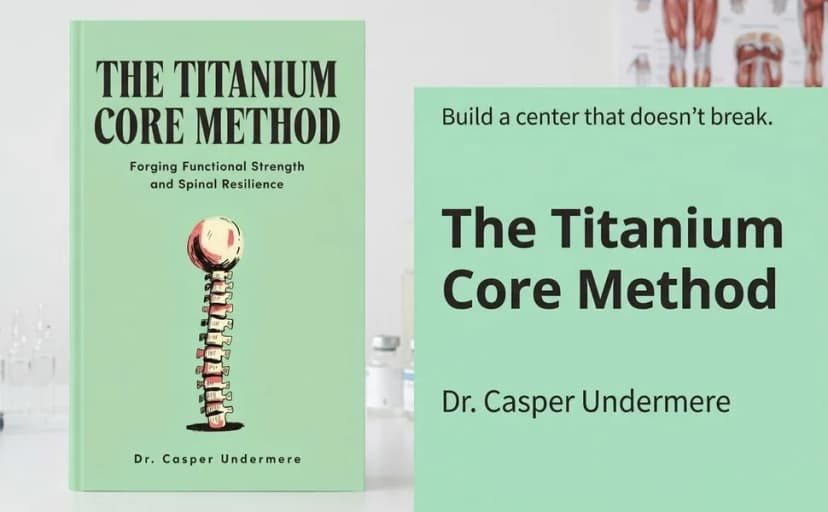
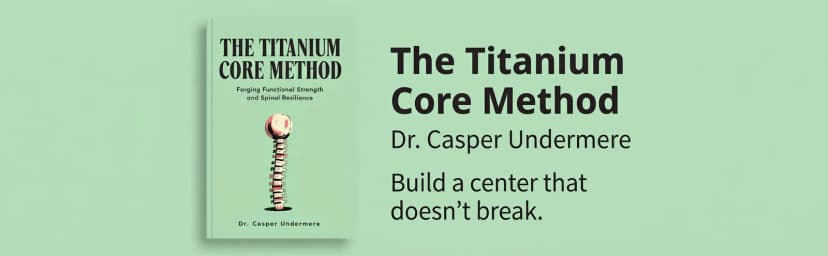
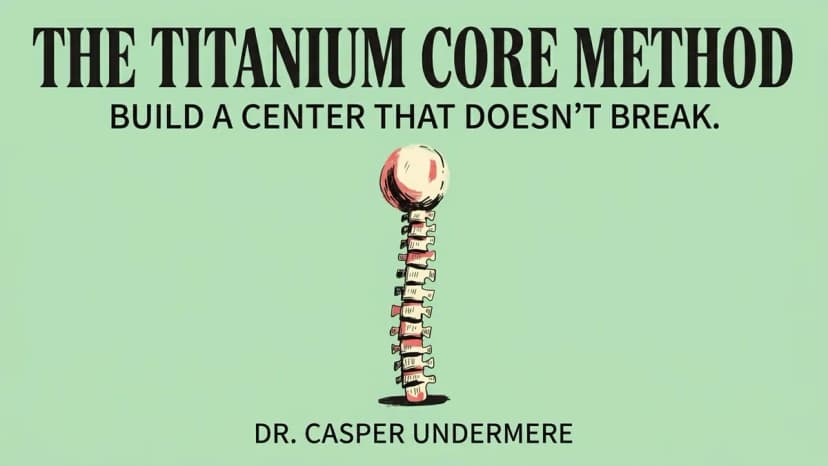
Agencies and publishers who launch books for clients can make the modules at Amazon's own module sizes with the marketing kit on the Enterprise plans: a header module, a wide banner, and three tiles, all on the client's brand kit. These two came from one kit for a sample book made in BeYourCover, The Titanium Core Method:
Create a connected visual set
One cover can support many posts when each image changes the context rather than the brand. If you build these scenes with a standalone mockup tool, our Book Brush alternatives guide compares the main options and their prices.
Useful scenes include:
- The physical book on a shelf or desk.
- A reader holding the book.
- A phone showing the audiobook cover.
- A cozy e-reader scene.
- A partial peel-back image for the cover reveal.
- A clean feed image and a tall story version.
- A focused Facebook or Instagram ad image.
- A short animated reveal.
Here is one cover doing all of those jobs. The design never changes between shots. Only the context around it does.

That is the approved cover, flat and on its own. Everything below is the same file placed in a different setting.

The desk or shelf shot is the workhorse. It makes the book read as a product rather than a design file, which suits launch day and retailer links.

Adding a person lifts engagement on social. Use this one for reviews, reader quotes, and testimonials.
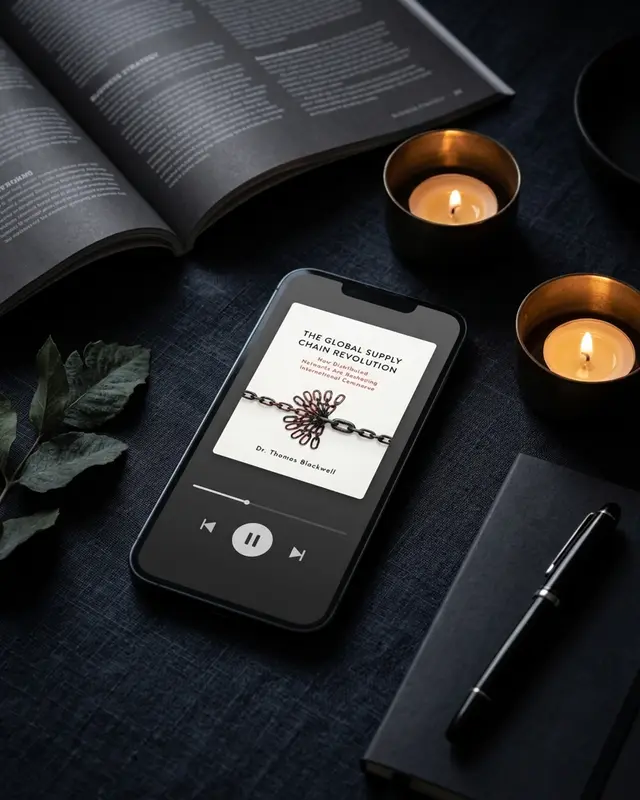
The audiobook scene lets you speak to listeners before an audio edition exists, and it gives the narration announcement an image of its own.

The e-reader scene talks directly to Kindle buyers. The cozy styling also suits a seasonal promotion.

The peel-back reveal shows part of the design without giving all of it away, which is what makes it work on cover-reveal day.
Keep one campaign style across the set. Auto styling in BeYourCover uses the book's genre. You can also select Cozy, Minimal, Moody, Luxe, Summer, Autumn, or Winter holidays before generating mockups and ad images.
Seasonal styling is useful for a timed promotion. It should not make the book look like a different genre. A winter thriller can stay tense; it does not need cheerful holiday props.
The Launch Kit includes 14 mockup scenes in post and story formats. The same scenes are available individually through Marketing Resources. Our guide to repurposing one cover explains how those files relate to print and audiobook outputs.
Write copy for specific launch moments
One generic caption repeated for three weeks teaches readers to ignore the campaign.
Prepare distinct copy for:
- Cover reveal: Focus on the visual idea, mood, or story promise.
- Preorder: Give the premise, date, format, and direct action.
- Launch day: State that the book is available and why the target reader should care.
- Format post: Feature ebook, paperback, hardcover, or audiobook benefits.
- Behind the scenes: Share a design choice, research detail, or short writing story.
- Proof post: Use a legitimate review, quote, or reader reaction with permission.
- Follow-up: Reach readers who saw the launch but did not act.
Match every caption to an image that advances the same message. Use the audiobook phone scene for the audio announcement. Use the peel-back image before the reveal, not after the cover is already familiar.
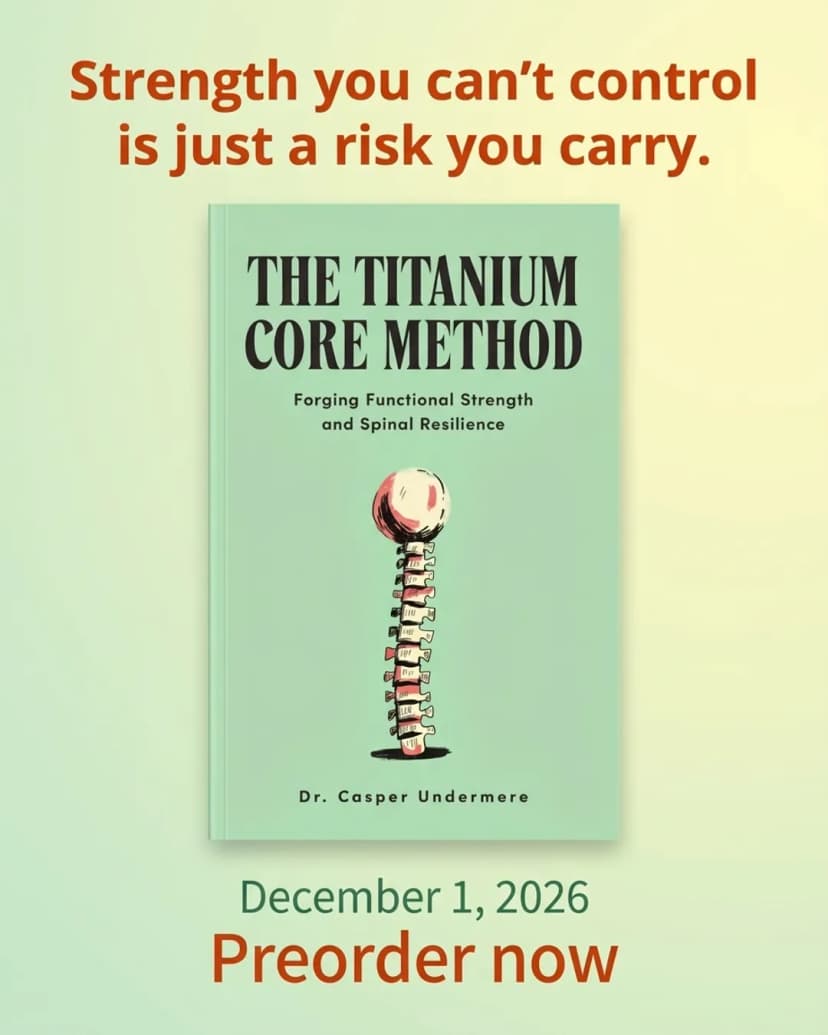
Here is what one image per moment looks like for the same sample book. All three come from its marketing kit, so the palette, the type, and the tagline stay constant while the job changes:


The Launch Kit can draft paired social captions, extra post ideas, and a newsletter announcement. Rewrite the opening in your normal author voice. Keep the generated structure when it is useful.
Prepare a small Amazon Ads starter pack
An ad pack should make the first controlled test easier. It should not promise effortless profit.
Prepare:
- Broad, phrase, and exact keyword groups.
- Negative keywords that block obvious mismatches.
- Several honest headline options.
- A starting bid and daily budget you can afford to learn from.
- A review date for search terms, clicks, and sales.
Do not upload every keyword into one undifferentiated campaign. Grouping preserves the ability to see what worked. The Launch Kit drafts keywords, negatives, headlines, and setup guidance from the book details.

Ad images work harder when the book is the only subject and nothing competes with the headline the platform adds on top.
Turn the checklist into a dated calendar
A checklist answers “what.” A calendar answers “when.”
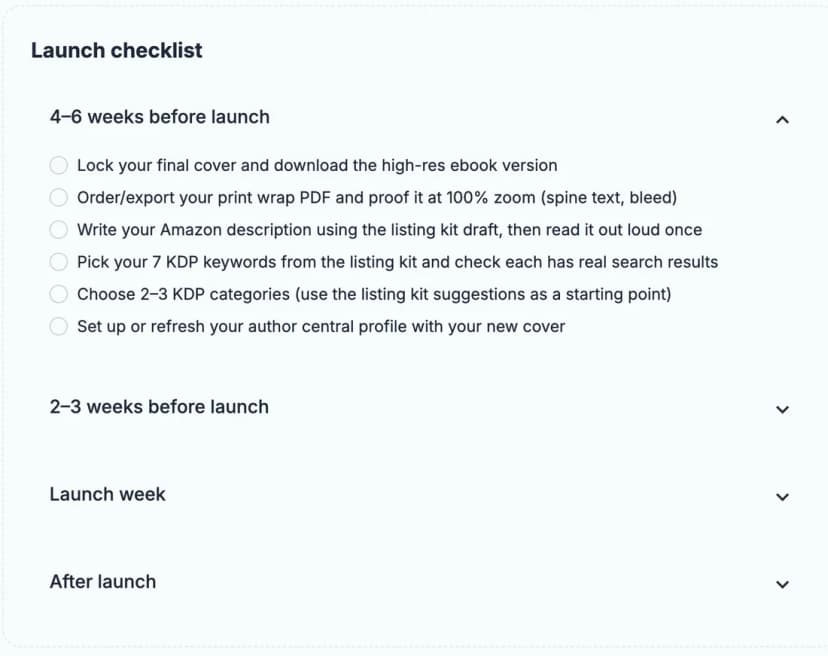
The free Book Launch Checklist starts six weeks before release and continues after launch. It saves progress in the browser without an account. Use it to find missing tasks even if you create every asset by hand.
Then add the real launch date and schedule:
- Cover and metadata lock.
- ARC outreach and review follow-up.
- Retailer upload and preview checks.
- Cover reveal and preorder posts.
- Newsletter announcement.
- Launch-day posts and ad start.
- Post-launch category, keyword, review, and ad checks.
BeYourCover's Launch Kit builds this dated plan and pairs actions with the generated images and copy. Enterprise plans include the kit for each book, while Pro users can add it for one book. Image and video work uses the applicable credits; written parts do not use image credits.
Launching books for clients? Make one kit per book
If you run launches for other authors, the work repeats for every title: the same set of sizes, the same moments, and a new brand each time. The BeYourCover marketing kit, on the Enterprise plans, makes that set in one run from the approved cover. Each run makes 23 images and 4 copy documents: feed and story ads, the launch moments above, a newsletter header, a website hero, a link preview, Amazon A+ modules, mockups, and the listing, ads, social, and calendar copy.
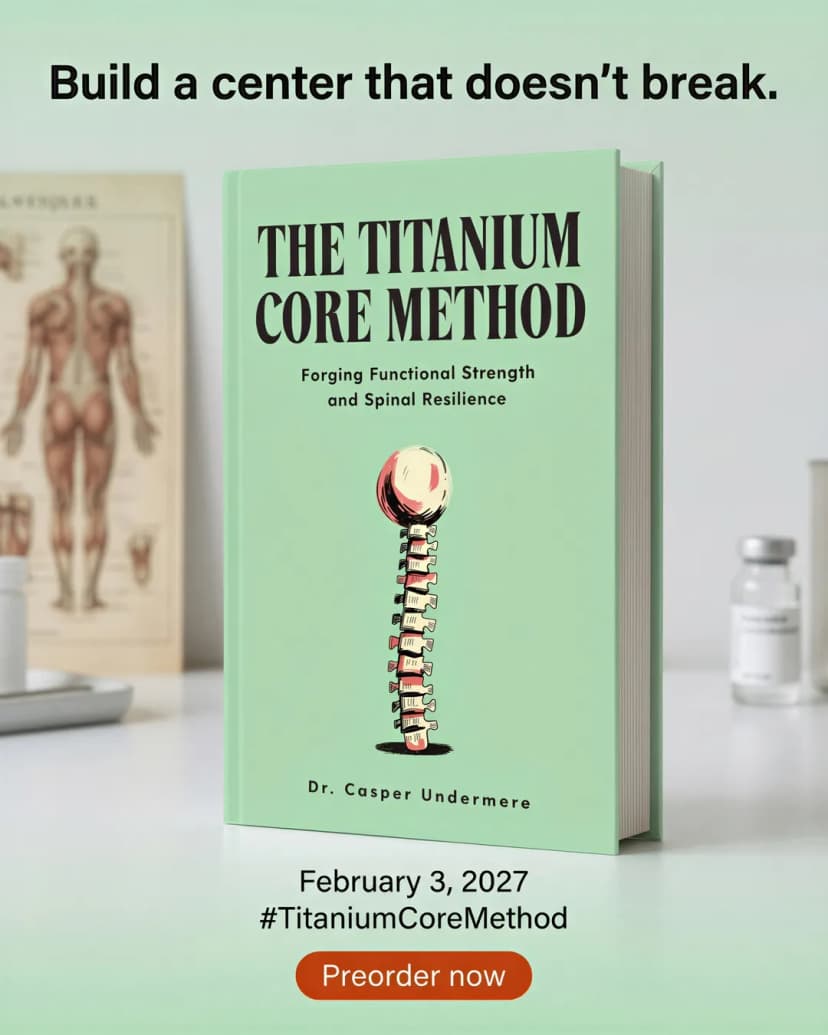
Every asset follows a brand kit you save per client, series, or book. The client approves or asks for changes through one review link, with no account, and the export arrives as one zip with a folder per channel.
Package the files so launch day stays simple
Use folders that match the publishing jobs:
Book Launch/
  01-listing/
  02-social-feed/
  03-social-story/
  04-email/
  05-ads/
  06-a-plus/
  07-video/
  08-audiobook/
  09-calendar/
Name files with the date or placement. launch-day-instagram-story.webp is more useful than final-7.webp.
The Launch Kit lets you download individual files or one zip. It also includes generated copy and any exported print-wrap PDFs associated with the kit. Open the zip before launch and confirm that the expected files exist.
Measure the asset, not just the channel
When a post or ad performs poorly, do not assume the whole platform failed. Record which cover crop, scene, hook, and call to action appeared.
Useful comparisons include:
- Flat cover versus reader mockup.
- Direct premise versus emotional hook.
- Feed image versus short video.
- Genre-matched style versus a seasonal preset.
- Cover reveal versus format announcement.
Change one important variable at a time. A test that changes the image, caption, audience, and timing cannot tell you what caused the result.
Build fewer assets with clear jobs
A strong book launch pack connects the product page, posts, email, and ads. Each asset has one audience, one placement, one message, and one date.
Lock the source material, prepare the listing, create a small visual system, write moment-specific copy, and schedule every file. That is enough to turn a finished cover into a launch you can execute.
Ready to Create Your Own Book Cover?
Turn your story into a visual masterpiece. Fill in the details below to start generating professional covers instantly.