Letter of Transmittal Templates: Free Downloads 2026
Find the best letter of transmittal templates for any project. Get free, downloadable Word, PDF, & Google Docs files for business & authors.
Posted by
 Pablo Yáñez
Related reading
Your Guide to the Perfect Book Cover Design Format
Master the book cover design format for KDP ebooks and print. Learn file types, dimensions, and color modes to publish your book with confidence.
How to Increase Book Sales on Amazon: An Author's Practical Guide
Learn how to increase book sales on Amazon with actionable strategies for metadata, pricing, ads, and cover design to amplify your KDP success.
A Guide to Your Self Publishing Book Cover
Learn how to create a self publishing book cover that sells. Get KDP specs, genre insights, and tips to avoid common design mistakes for indie authors.
Ready to design your cover?
Use our AI book cover generator to create tailored book cover concepts in minutes.


You notice the need for a letter of transmittal when the clock is already working against you. A printer proof is ready to send, a revised manuscript package needs approval, or a client asks for a clean record of what was delivered and when. In that moment, building a formal cover letter from scratch is wasted effort.
A good template solves a specific operational problem. It gives the recipient a clear list of attachments, the action required, the version being submitted, and the date trail you may need later if questions come up. I have seen small teams avoid long email chains because the transmittal letter made the handoff clear the first time.
The tricky part is choosing the right kind of template. Some readers need branded output that matches the rest of their documents. Some just need a clean Word or PDF file they can download, edit, and send in five minutes. Others work in fields such as construction, engineering, or academia, where the wording and structure need to match a more specialized review process.
That is the lens for this list. It sorts letter of transmittal templates by user intent, not by whoever has the loudest marketing copy. If you care about presentation, design platforms make sense. If speed matters more than polish, simple template repositories are usually the better pick. If your work is formal, technical, or compliance-heavy, niche-specific options tend to save more time than generic business letters.
If you are also standardizing the rest of your submission materials, it helps to pair your transmittal letter with cover design templates for books and document packages.
The goal is simple. Choose the tool that fits the job, keep the handoff clear, and avoid creating extra admin work for yourself later.
1. Template.net
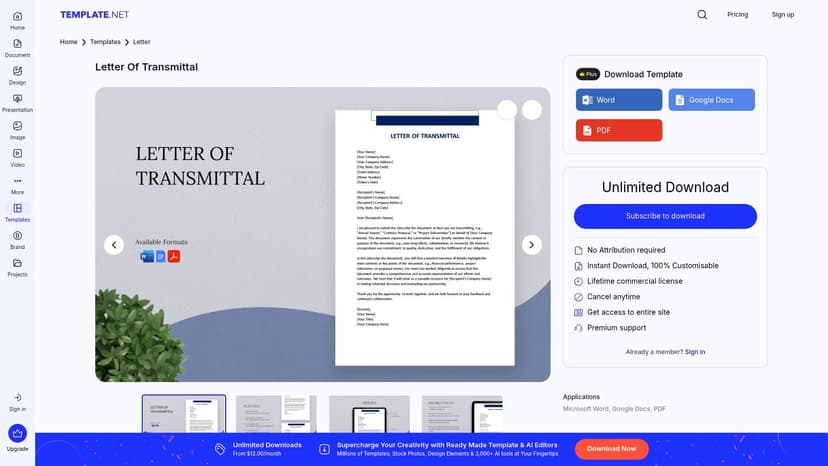
Template.net letter of transmittal template is a practical middle ground between a plain Word document and a design platform. If you want to produce a standard business letter quickly, it works. If you want to create one branded master file and reuse it across multiple submissions, it also works.
The main advantage is format flexibility. You can edit in-browser, then export to DOCX or PDF, or move the draft into Google Docs if your team already lives there. For a small press, freelancer, or author assistant, that's usually enough. You're not forced into a complicated workflow.
Where it fits best
Template.net is strongest when you need structure without fuss. The layouts already look like formal business correspondence, so you're not fighting the template just to get something credible on the page.
A few trade-offs matter:
- Best for reusable masters: Good if you want one approved company letterhead version for manuscripts, proofs, contracts, or rights packages.
- Easy handoff: DOCX export makes it simple for collaborators who don't use the same platform.
- Less ideal for ultra-simple jobs: If you only need a one-off letter, the wider template library can feel busy.
If you're also tightening up your visual system, BeYourCover's guide to cover design templates helps keep your submission materials from looking disconnected.
Practical rule: If the transmittal letter will be reused by more than one person, build it once in a tool that exports cleanly to Word. That avoids endless formatting repairs later.
The weak spot is that some Template.net assets sit behind plan limits or watermark restrictions. So this is a good operational choice, not always the cheapest no-friction option.
2. Jotform
A common failure point is not the letter itself. It is what happens after you send it. Someone signs the wrong version, replies from a phone, or asks later for proof of receipt.
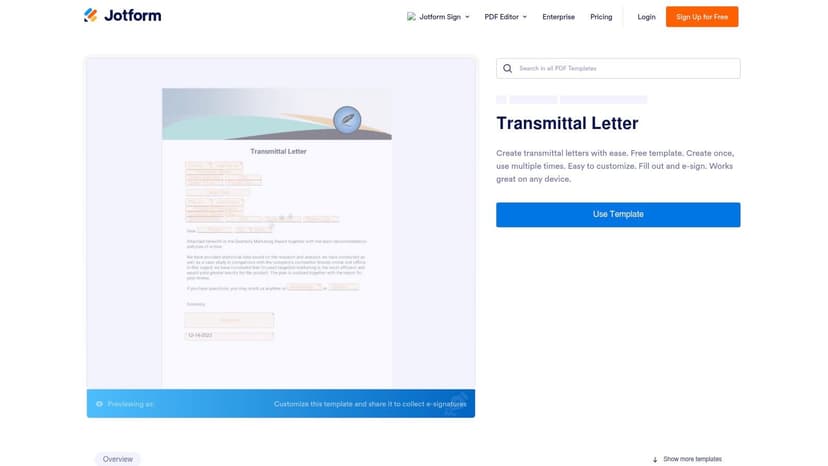
Jotform's transmittal letter PDF template is built for that kind of job. It suits teams that need a letter tied to a process, not just a polished page. You can customize the document, route it through Jotform Sign, collect signatures, and keep the completed PDF and response record in one system.
That makes Jotform a different category from the plain download libraries in this list. It is the better pick when user intent is operational. You need approval, acknowledgment, or a documented handoff.
Best for sign-off and recordkeeping
I'd use Jotform for design approvals, print-release confirmations, contributor agreements, or vendor handoffs where the reply matters as much as the outgoing letter. If the transmittal is part of a controlled workflow, the tool saves real admin time.
What it does well:
- Keeps the process together: Draft, send, sign, and archive in one place.
- Works well for distributed recipients: Approvers can sign from a laptop or phone without much friction.
- Cuts manual cleanup: You do not have to merge emails, attachments, and signed pages into a final record yourself.
The trade-off is straightforward. Jotform is heavier than you need for a one-off attachment or a simple courtesy letter. Teams also hit plan limits once they want stronger branding control, more signature volume, or broader automation.
For publishing teams, that matters. A transmittal letter often travels with files that already need consistent presentation, and this guide to book design and layout is a useful companion if you want the package around the letter to look as organized as the approval flow behind it.
As noted earlier, auditable submission practices are becoming standard in document-heavy work. Jotform fits that use case well. Choose it when compliance, acknowledgment, and traceability matter more than design flair.
3. Visme
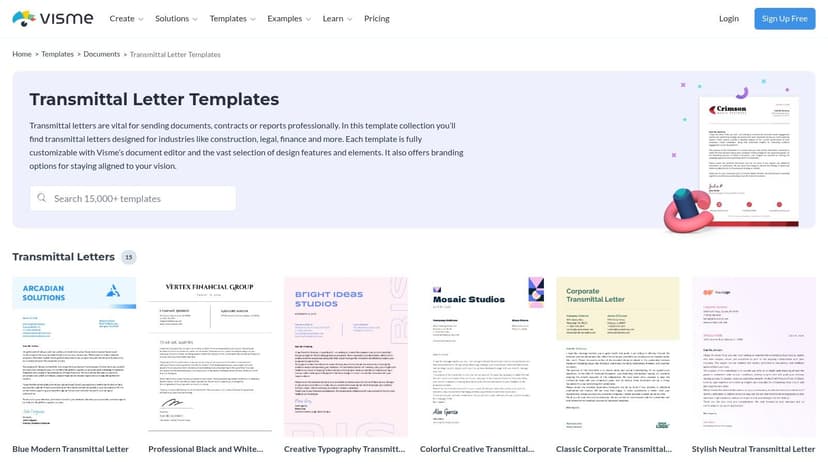
A client asks for the proposal, sample pages, rights note, and transmittal letter in one polished PDF by end of day. That is the kind of job where Visme's transmittal letter templates make sense.
Visme fits the visual-design side of this list. It is not the fastest option for a plain attachment note, and it is not built around signatures or workflow controls like Jotform. It is a better pick when the letter has to look like it belongs with the rest of the package.
Good for branded publishing packets
I'd use Visme for press kits, proposal packets, sponsorship decks, licensing submissions, and author materials where branding carries real weight. The editor gives you tighter control over typography, spacing, color, and layout than a basic document template usually does, which helps when the transmittal is part of a client-facing deliverable rather than a simple administrative cover letter.
That distinction matters. Some template libraries are best for quick downloads. Visme is for teams that want branded output without opening a full design app.
It is also useful when several assets need to stay visually consistent across one submission. If the letter, summary page, and supporting material all share the same visual system, the package feels intentional. For publishing teams, the font choices do a lot of that work, and this guide to fonts for book covers and publishing projects is a practical companion if you are trying to keep the whole packet aligned.
A transmittal letter should match the standard of the material it introduces. If the package looks polished and the letter looks rushed, people notice.
The trade-off is simple. Visme asks for more setup time than a repository that hands you a Word file and gets out of the way. Some export and brand controls also sit behind paid plans. Choose it when presentation is part of the deliverable. Skip it when your goal is a fast, functional letter with minimal formatting.
4. Venngage
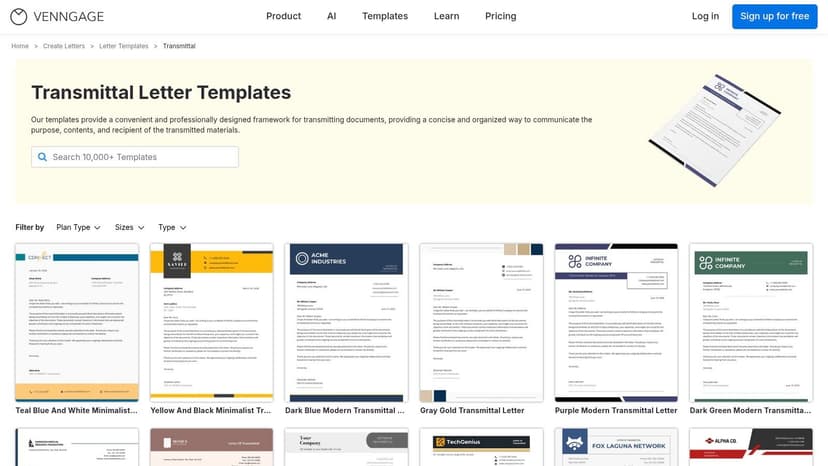
Venngage fits the visual-design side of this list. I use it for teams that need a transmittal letter to look finished fast, especially when the letter goes out with a proposal, report, or client packet that already has a defined brand style. The editor is more guided than Visme, which makes it easier for people who are comfortable editing content but not building layouts from scratch.
That difference matters in practice.
Some tools in this roundup are simple repositories. You download a file, swap in your details, and send it. Venngage is the better choice when branded output is part of the job and you want the template to do more of the layout work for you.
Best for branded letters with less design guesswork
Venngage is strongest when the user intent is clear. You are not hunting for a plain Word document. You want a letter that matches the rest of the package, looks balanced on the page, and can be updated without fiddling with margins, spacing, and header placement for twenty minutes.
I also find it useful for small teams that need consistency but do not have a designer cleaning up every outgoing document. The built-in structure helps keep the letter presentable, even if the person editing it is focused on content first. As noted earlier, platforms in this category are already widely used for polished business documents, and Venngage fits that use case well.
A few trade-offs are worth weighing:
- Good choice for client-ready presentation: Strong fit for agencies, consultants, and publishing teams sending polished submission materials.
- Less comfortable for document-first workflows: If your process lives in Word or Google Docs, the editing experience can feel less natural.
- Paid plans affect export options: The free version is fine for testing, but the practical value improves if you need better file control.
Typography still does a lot of the work here. If the letter sits beside a pitch deck, manuscript packet, or branded report, use the same visual standards across the whole set. This guide to fonts for book covers and publishing projects is a useful reference if you want the document package to feel consistent rather than patched together.
5. LettersAndTemplates.com
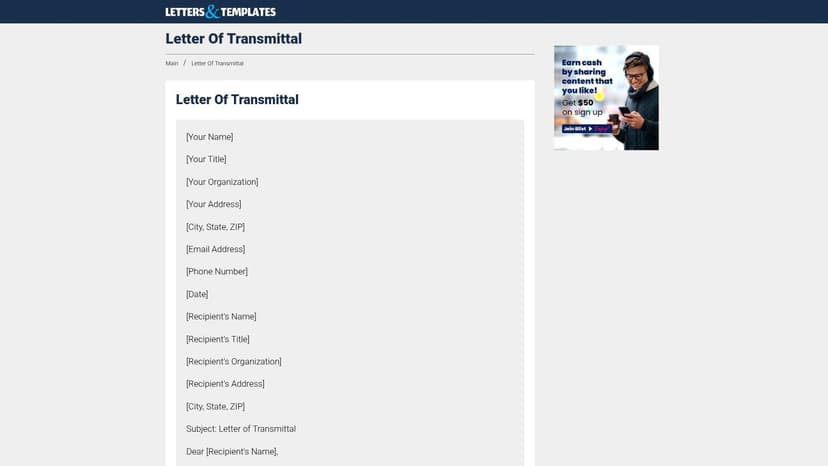
LettersAndTemplates.com's letter of transmittal page does one thing well. It gets you to a usable business letter fast.
That's valuable. Not every task needs a dashboard, a brand kit, or workflow automation. Sometimes you need a formal layout, sensible wording, and a file you can open in Word and fix in five minutes. This site is built for that kind of work.
The fast-download option
The practical appeal here is simplicity. You can grab a DOC or PDF version, adapt the language, and move on. For solo authors, virtual assistants, or editors handling occasional submissions, that can be the right call.
Where it holds up:
- Clean, familiar structure: Good if you want a conventional business tone.
- Minimal friction: No major learning curve.
- Useful for wording prompts: Even if you rebuild the final version elsewhere.
Where it falls short:
- No workflow features: No signing, tracking, or collaborative editing layer.
- Very limited branding: You'll do all custom polish yourself.
I like resources like this as drafting aids. They're often better for first-pass wording than more polished design platforms, because they don't distract you with styling decisions. If your process is “draft in Word, export to PDF, send,” this sort of no-frills repository still earns a place on the shortlist.
6. DocFormats
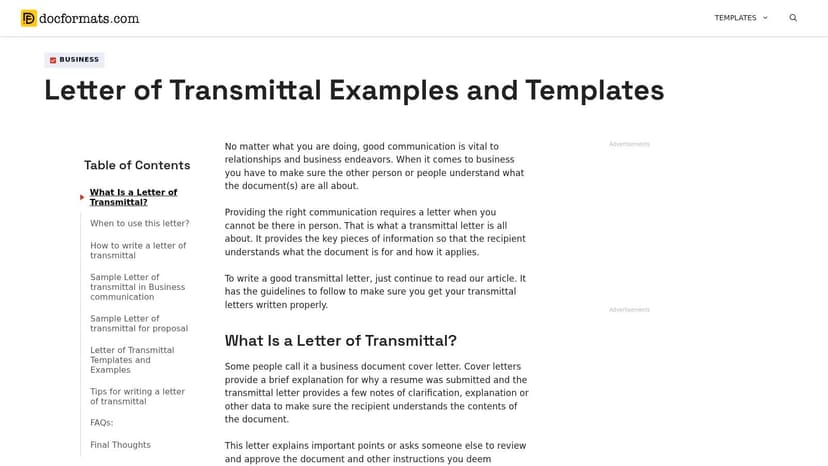
DocFormats letter of transmittal templates are most useful when you're not sure what tone or structure your situation calls for. That's different from needing a polished editor. It's closer to needing a reference shelf.
The site offers a broader range of sample wording than many template pages. That helps when the context changes. A legal handoff, financial packet, technical report, or publishing submission might all require different levels of formality.
Best for adapting language to the situation
If I had to point to DocFormats' main strength, it's variety. It gives you enough sample language to avoid writing every sentence from zero, while still leaving room to tailor the final letter.
That's especially useful for newer operators who understand the function of a transmittal letter but haven't written many. Good letter of transmittal templates don't just save formatting time. They also stop vague, under-specified cover notes from going out with important files.
Here's where DocFormats earns its place:
- Helpful scenario spread: Better than most libraries if you need to compare tones.
- Useful teaching value: You can see how purpose, enclosures, and action requests are phrased.
- Easy to repurpose: Copy, trim, and rebuild in your own format.
The drawback is that the design side is basic. You won't get much brand polish out of the box, and the site can feel dense. But if wording is your bottleneck, that's often a fair trade.
7. Bizzlibrary
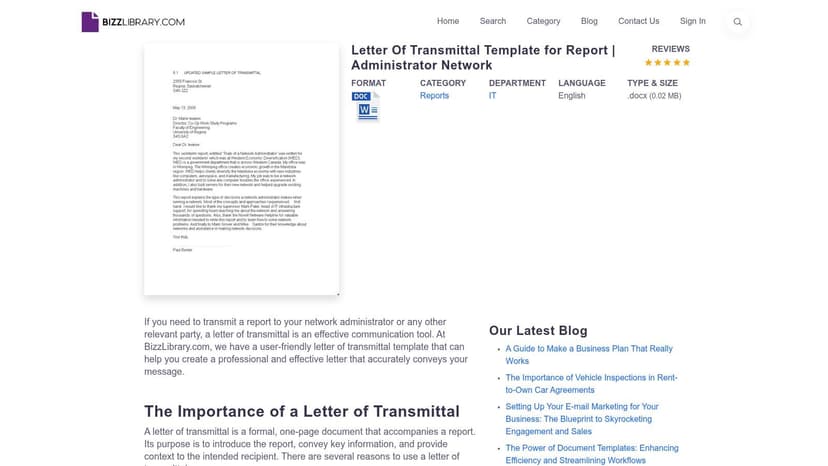
Bizzlibrary's letter of transmittal template is built for people who still prefer a straightforward Word workflow. That includes a lot of offices, small businesses, and publishing teams.
There's no mystery to the value here. You download a DOCX, replace the placeholders, keep the letter to one page, and send it. If your team already has a strong template discipline in Word, this is a comfortable fit.
Strong for traditional office workflows
Bizzlibrary is useful when the transmittal letter is one item in a larger business document set. The broader template library can also help if you're assembling adjacent materials such as memos, reports, or formal cover letters and want a consistent house style.
A few reasons to consider it:
- Word-native process: Easy for teams that already review documents in tracked changes.
- Formal default tone: Suitable for project reports, business submissions, and executive packets.
- Related templates nearby: Helpful if the transmittal letter is part of a broader document package.
The catch is discoverability. Search and navigation can surface unrelated items, which slows down a simple job. Some templates also sit behind account or payment walls. Still, for users who don't want another browser design app, Bizzlibrary stays practical.
8. AllBusinessTemplates
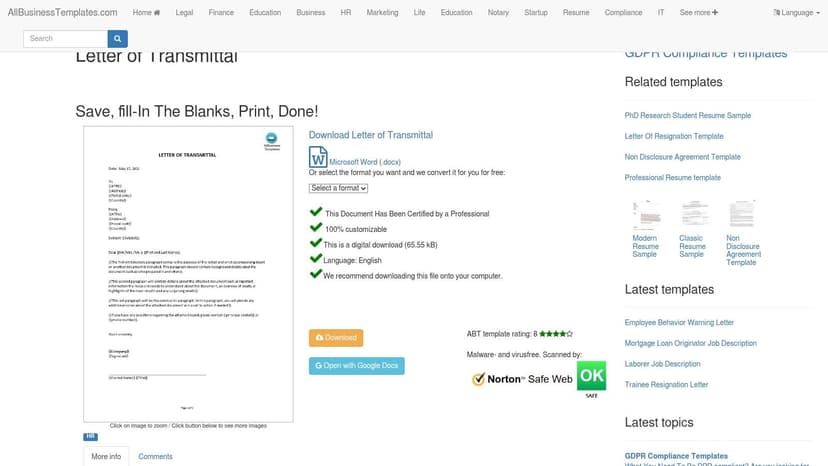
AllBusinessTemplates' letter of transmittal template is a good option when you want the smallest possible toolchain. Download the file, edit the placeholders, and you're done.
That simplicity matters more than people admit. If the letter is routine and the audience expects a standard corporate format, excessive customization usually adds work without adding clarity.
The minimal option that still looks formal
This template is best for users who already know what the letter needs to say. It gives you a concise structure and short instructions about typical contents, such as purpose and attachments, without trying to become a whole workflow platform.
What I like about this approach:
- Minimal layout: Easy to adapt without breaking formatting.
- Quick start: Good for repeat administrative tasks.
- Low cognitive load: You spend time on content, not tool decisions.
What to watch:
- Limited styling range: If you need stronger brand expression, you'll outgrow it quickly.
- Possible sign-in friction: Some download flows may require an account.
This is the template I'd hand to someone who needs a dependable starting point and doesn't want to learn anything new to use it.
9. Mastt
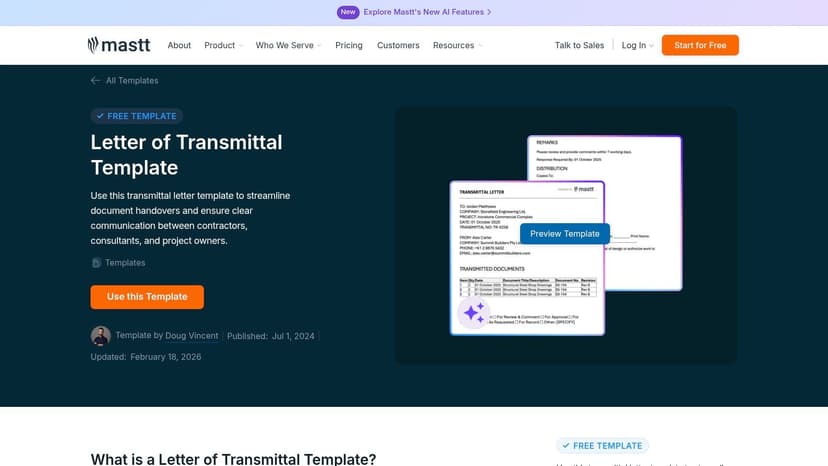
A generic transmittal letter falls apart fast on a live construction project. Once drawings, revisions, consultant comments, and approval status start moving between teams, you need more than a polite cover note. You need a clear record.
Mastt fits that use case well. Its transmittal letter resource is built for construction and capital project work, where revision numbers, document registers, action fields, and distribution records are part of daily document control. That makes it one of the clearest niche-specific options on this list.
Best for construction and document control workflows
The practical value here is format plus context. You get templates in Word, Excel, and PDF, but the bigger advantage is that the resource reflects how AEC teams issue and track documents. That matters if your letter needs to sit alongside submittals, RFIs, consultant packages, or issued-for-review files.
I also like that Mastt does not pretend a static template solves every document-control problem.
Once multiple revisions are circulating, the tracking log often matters as much as the letter itself. Mastt handles that trade-off by treating the template as a starting point, not the whole system.
This is the right pick if your intent is specialized project communication, not branded presentation or a quick one-page download. Outside construction, the terminology may feel too tied to AEC workflows. Inside construction, that specificity is the point.
10. UT Austin Engineering Communication
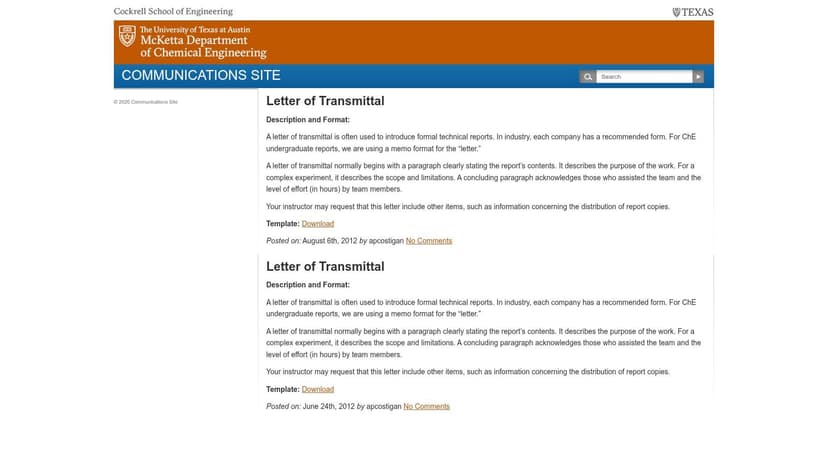
A department chair asks for your report by Friday. The work is solid, but the first page still needs to explain what is being submitted, why it matters, and what the reader should notice first. That is the job UT Austin Engineering Communication handles well.
UT Austin Engineering Communication's letter of transmittal resource is one of the strongest niche-specific picks on this list for academic, engineering, and research submissions. It is not a design platform, and it is not a quick-download repository. It is a teaching resource built for formal technical communication, which makes it more useful than a generic template if your document will be reviewed by faculty, researchers, or technical stakeholders.
Strong for technical and research submissions
What stands out here is the guidance around purpose and placement. The resource shows how a transmittal letter functions in front matter, how to frame the submission clearly, and how to keep the tone formal without sounding stiff. That is a real advantage for reports, capstone deliverables, thesis sections, lab documentation, and proposal packages.
I recommend this type of resource when the reader expects discipline more than polish. In academic and technical settings, branding usually matters less than accuracy, context, and a clean statement of intent.
There is a trade-off. You will not get the visual flexibility you would get from Visme or Venngage, and you will not get the fast copy-and-paste convenience of the simpler download sites. You get structure, conventions, and examples that match formal reporting. For the right use case, that is the better tool.
For indie authors or general business users, this may feel too specialized. For grant submissions, research-based nonfiction packages, engineering reports, or university-facing documents, that specialization is exactly why it belongs on the list.
Top 10 Letter of Transmittal Template Comparison
| Provider | Core features ✨ | UX/Quality ★ | Value/Price 💰 | Target 👥 | Standout 🏆 |
|---|---|---|---|---|---|
| Template.net | In-browser editor, DOCX/PDF/Google export, AI copy assist | ★★★★☆ fast setup | 💰 Free + paid (watermarks on free) | 👥 Business users & admin teams | 🏆 Multi-format exports & quick templates |
| Jotform | Drag‑drop editor, Jotform Sign e‑sign, PDF/share links | ★★★★☆ end‑to‑end flow | 💰 Freemium; e‑sign limits on paid tiers | 👥 Approval workflows & legal teams | 🏆 Integrated e‑signature + audit trail |
| Visme | Browser design editor, brand kits, typography control | ★★★★☆ strong visual UX | 💰 Freemium; brand tools on paid plans | 👥 Marketing & branding teams | 🏆 High visual/brand control |
| Venngage | Drag‑drop visual editor, brand kits, export options | ★★★★☆ quick, design‑first | 💰 Free limited; paid for full exports | 👥 Non‑designers needing on‑brand docs | 🏆 Fast on‑brand, print‑ready output |
| LettersAndTemplates.com | Real examples, DOC/PDF downloads, wording tips | ★★★☆☆ very straightforward | 💰 Mostly free, direct downloads | 👥 Users who want quick editable samples | 🏆 No‑frills, immediate adaptability |
| DocFormats | 20+ examples, tone notes, direct downloads | ★★★★☆ varied examples | 💰 Free (ad‑supported) | 👥 Users needing scenario variety & templates | 🏆 Wide selection for niche use cases |
| Bizzlibrary | Downloadable DOCX, one‑page corporate templates, library | ★★★☆☆ simple Word workflow | 💰 Mix free/paid templates | 👥 Corporate/report authors | 🏆 Formal one‑page corporate focus |
| AllBusinessTemplates | Editable Word template, short instructions | ★★★☆☆ minimal & clear | 💰 Mostly free; may require sign‑in | 👥 Users wanting single, easy file | 🏆 Minimal, quick single‑file download |
| Mastt | Word/Excel/PDF for construction, tracking fields | ★★★★☆ AEC‑focused utility | 💰 Free templates, niche value | 👥 AEC teams & contractors | 🏆 Purpose‑built for construction submittals |
| UT Austin EngComm | University template, front‑matter & tone guidance | ★★★★☆ instruction‑forward | 💰 Free academic resource | 👥 Technical/research authors & students | 🏆 Academic credibility & clarity |
Final Thoughts
A good letter of transmittal template saves time only if it fits the way you work. That is the dividing line in this list.
Use simple repositories like LettersAndTemplates.com, Bizzlibrary, or AllBusinessTemplates when the job is straightforward and speed matters more than presentation. They are practical for Word-to-PDF workflows, routine submissions, and anyone who just needs a clean file they can edit and send without extra setup.
Use visual platforms like Visme or Venngage when the letter is part of a branded packet, not a stand-alone admin document. I would pick them for proposal packages, review copies, client deliverables, or any submission where the transmittal page needs to look consistent with the rest of the material. The trade-off is obvious. You get better presentation, but you spend more time formatting.
Jotform fits a different need. If approvals, acknowledgments, signatures, or recordkeeping matter, a form-based workflow is often better than passing around static files. In construction, technical reporting, and similar process-heavy environments, niche resources like Mastt and UT Austin also have a clear advantage because they reflect the language, structure, and expectations of those fields.
For authors, editors, and small publishers, the safest approach is usually the simplest one. State what is enclosed, identify the version, note any action required, and make it easy for the recipient to respond.
Clean supporting materials matter just as much. If you are testing book concepts or preparing files for KDP, an AI-assisted workflow can save time at the packaging stage. A tool like BeYourCover can help you create and test cover directions early, and its free tools are a practical place to start if you want a cleaner submission package.
Templates help, but they do not fix messy process. Unclear filenames, missing version dates, vague requests, and inconsistent attachments create avoidable back-and-forth. Pick the template type that matches your intent, branded output, quick download, or industry-specific use, then keep the letter short and easy to act on.
For a completely different cover-letter use case, see these cover letters specifically for teachers.
Ready to Create Your Own Book Cover?
Turn your story into a visual masterpiece. Fill in the details below to start generating professional covers instantly.
