15 AI Tools for Graphic Designers: A Practical Guide for Authors
Speed up your workflow with the best AI tools for graphic designers. Explore top solutions for image generation, layout, and typography in our 2026 guide.
Posted by
 Pablo Yáñez
Related reading
9 Best Book Marketing Tools for Indie Authors (2026)
Compare nine book marketing tools for indie authors, from market research and cover design to reader delivery, email, promotion, and ad tracking.
6 Best Book Brush Alternatives for Indie Authors (2026)
Looking for a Book Brush alternative? Six tools for indie authors compared — AI cover generators, mockup makers, and free options — with real pricing.
6 Best Canva Alternatives for Book Cover Design (2026)
The best Canva alternatives for book cover design: AI cover generators, free pro design apps, and author-specific tools — compared with honest pros and cons.
Ready to design your cover?
Use our AI book cover generator to create tailored book cover concepts in minutes.

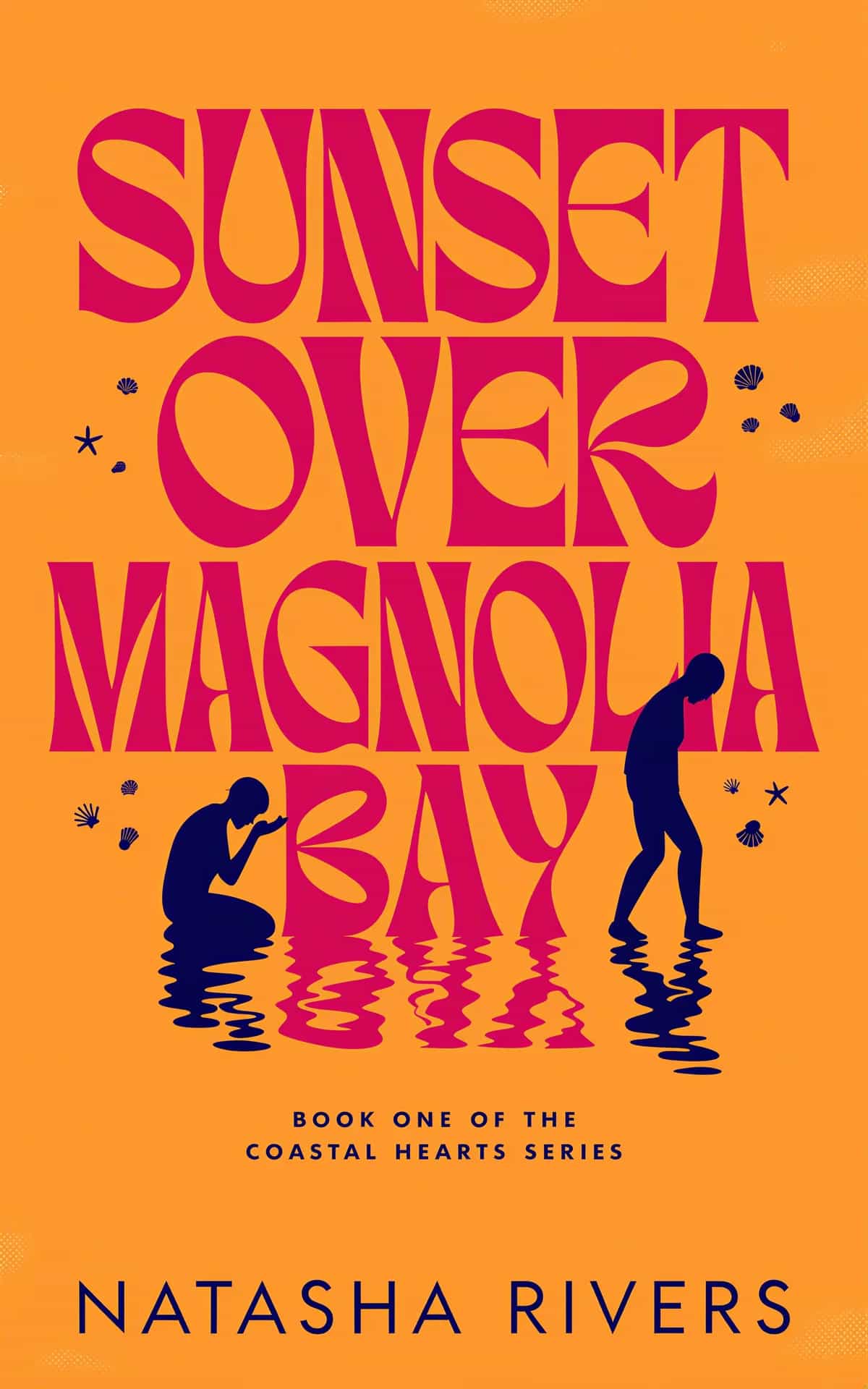
For an indie author, graphic design is often a necessary but challenging part of the publishing journey. The rise of artificial intelligence has introduced a new class of tools designed to augment the creative process, not replace it. This guide is for the author wearing a designer hat, who needs to understand which AI tools for graphic designers can genuinely save time and improve results, and which are just a distraction.
We will move beyond the hype to provide a practical breakdown of how these technologies fit into a real-world author workflow. This article covers everything from initial concept and image generation to specific tasks like typography and layout. We'll focus on how these tools can help you create professional assets for your book launch, from the cover itself to marketing materials.
This curated list is designed to help you find the best platforms for your specific projects, whether you're creating a compelling romance book cover, brainstorming character art, or developing social media graphics. Many authors find success by creating and testing cover variations using a specialized AI tool. Each entry includes a straightforward analysis of key features, practical use cases, and pricing to help you make informed decisions. This isn't about letting a robot take over; it's about using AI to make informed decisions and produce better-quality work, faster.
1. BeYourCover
BeYourCover is an AI-powered book cover generator built specifically for authors and publishers who need market-ready book covers without the typical costs and timelines. It moves beyond basic image generation by integrating genre-specific trends, color psychology, and proven layout principles directly into its models. This makes it one of the most practical and focused AI tools for graphic designers specializing in publishing. The platform generates multiple professional concepts from a simple brief, allowing for rapid iteration and refinement, and its book cover template library gives you a genre-filtered set of finished layouts to work from when a brief alone is too open-ended.
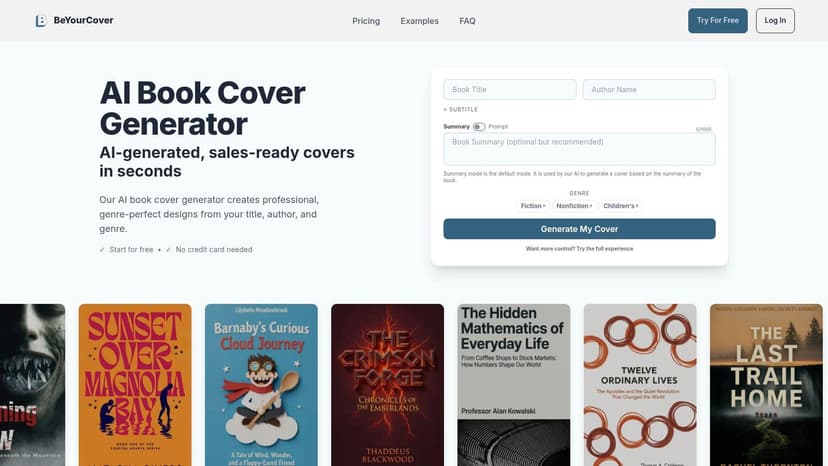
The platform’s strength lies in its advanced post-generation editing suite. Unlike many AI tools where the initial output is final, BeYourCover provides a professional-grade editor. Tools like Transform, Style Conversion, and Remove Text let you manipulate the AI-generated artwork directly. You can also perfect typography with a dedicated font and text editor, ensuring the final design meets professional standards without needing to export to other software for basic changes.
Key Strengths & Use Cases
This tool is designed to produce sales-optimized assets quickly. Outputs are high-resolution and pre-formatted for all major publishing platforms, including Amazon KDP. This includes ebook, full-wrap paperback, audiobook, and marketing image sizes.
- Best For: Indie authors or designers working with small presses who require fast, genre-aware book cover concepts. It’s also ideal for authors wanting to test cover directions before committing to a final design.
- Decision Criteria: Choose this tool if your primary goal is to create a complete, market-ready book cover that follows genre conventions, from artwork to typography and layout, all in one platform.
- Practical Tip: Use the initial AI generation to explore multiple conceptual directions. Once a direction is chosen, use the advanced editor to fine-tune the art and typography, delivering a polished, custom-feel result in a fraction of the time. For a deeper dive, see a complete analysis of the best AI book cover generator tools of 2025.
Pricing & Access
BeYourCover operates on a flexible model that avoids mandatory subscriptions for single projects.
- Free Trial: 2 free cover generations (no credit card required).
- Basic Plan: A one-time purchase (currently $19) for up to 10 covers and limited high-resolution downloads.
- Pro Plan: A one-time purchase (currently $39) for 50 covers, unlimited high-res downloads, 40+ premium styles, and full export options (paperback wrap, audiobook).
- Enterprise: Custom plans for agencies and teams start at $149/month, offering API access and credit-based plans.
Website: https://beyourcover.com
2. Adobe Firefly
For designers already invested in the Adobe ecosystem, Firefly represents the most direct path to integrating AI into established workflows. Instead of exporting assets to a separate tool, you can now use generative AI functions directly within applications like Photoshop and Illustrator. This makes it one of the most practical ai tools for graphic designers who need to maintain a productive, professional process. Its main distinction is its commercial-safe approach; Adobe trained Firefly exclusively on Adobe Stock images and public domain content, reducing the legal risks associated with using AI-generated assets in commercial projects.
This direct integration allows for powerful, context-aware edits. In Photoshop, Generative Fill lets you select an area and describe what you want to add, remove, or change, seamlessly blending the new pixels with the existing image. For authors designing marketing materials, this feature is excellent for extending backgrounds, removing unwanted objects, or adding thematic elements without leaving the primary design file.
Key Features & Use Cases
- Generative Fill/Expand (Photoshop): Extend a background to fit a different aspect ratio (e.g., from a portrait book cover to a wide social media banner) or insert story-relevant objects into a scene.
- Generative Recolor (Illustrator): Instantly test new color palettes on complex vector artwork by describing a mood or theme, like "autumnal tones" or "cyberpunk neon."
- Text to Vector Image (Illustrator): Generate editable vector graphics from a text prompt, creating scalable icons and spot illustrations for your book's interior or promotional materials.
- Pricing: Firefly functions on a "generative credit" system. Many Creative Cloud plans (starting from $22.99/mo for the Photography plan) include a monthly allocation of credits. A standalone Firefly Premium plan is also available.
Pitfall to Avoid: The true strength of Firefly is its workflow integration. For an author not already using Photoshop, the cost and learning curve may be prohibitive. The credit system can also be confusing, especially as promotional offers and plan details change.
Website: https://www.adobe.com/products/firefly.html
3. Midjourney
For authors focused on creating unique, art-driven visuals, Midjourney is a premier choice. It's an image generator prized for its distinctive aesthetic and impressive stylistic range, making it a favorite for developing mood boards and concept art. While it doesn't integrate directly into design software, its output quality often makes it one of the most compelling ai tools for graphic designers looking to generate base assets for more complex projects. Its Discord-based interface fosters a community where users can share prompts and find inspiration for their own work.
The platform excels at iterative creation. Generating an initial image is just the start; you can then create variations, remix prompts, or upscale your favorites to add detail. For an author working on a book cover, this is perfect for exploring different artistic directions quickly, such as generating a core character portrait or a symbolic object. These elements must then be imported into other software like Photoshop or Canva to add typography and complete the layout.
Key Features & Use Cases
- Iterative Variations & Remixing: Generate a grid of four images and create subtle or significant variations of the one you like best, allowing for fine-tuned concept development.
- Specialized Models: Use dedicated models like
/nijito create high-quality anime and illustrative styles that are difficult to achieve with other generators. - Parameter Controls (
--stylize,--chaos): Adjust parameters to control how artistic (--stylize) or varied and unexpected (--chaos) the results are, giving you more creative direction. - Pricing: Midjourney is a subscription service with plans starting at $10/month. A paid plan is required for commercial use of the generated images, so be sure to check the latest terms of service.
Pitfall to Avoid: Midjourney's strength is its artistic output, but it does not handle text or layout. An author will need separate software and design skills to turn a Midjourney image into a finished book cover. The Discord-based workflow can also feel clunky for beginners.
Website: https://www.midjourney.com
4. ChatGPT Images (OpenAI)
For authors who value a unified space for brainstorming both text and visuals, ChatGPT's built-in image generation is a powerful contender. Its core strength lies in its conversational nature, allowing you to move seamlessly from discussing cover copy and taglines to generating visual concepts within the same chat interface. This makes it one of the most fluid ai tools for graphic designers for the initial ideation phase. You can draft a book synopsis and immediately ask for an image that visualizes its main theme, all without switching apps.
The iterative process is where this tool shines. After generating an initial image, you can provide feedback in plain language, such as "make the main character look more determined" or "change the background to a sci-fi city." This conversational editing is intuitive, although it offers less direct manipulation than a tool with selection-based editing. This allows for rapid exploration of different moods and compositions before committing to a final direction in more specialized design software.
Key Features & Use Cases
- Unified Ideation: Brainstorm book titles, chapter outlines, and cover concepts in a single conversation, keeping all creative assets tied to the same core idea.
- Conversational Editing: Refine images using natural language feedback. Ask for style changes, object modifications, or adjustments to the overall composition.
- Style Guidance: Provide a reference image and ask ChatGPT to create new visuals in a similar aesthetic, useful for maintaining a consistent series look.
- Pricing: Image generation is available to users on paid plans, including ChatGPT Plus, Team, and Enterprise (starting from $20/month per user).
Pitfall to Avoid: ChatGPT is excellent for early-stage conceptual work. However, like Midjourney, it does not handle typography or layout for a final book cover. For print-ready assets, you will almost certainly need to export the image and finalize it in another program to manage color profiles, text, and resolution.
Website: https://chatgpt.com
5. Stability AI (Stable Artisan & API)
For users who want more direct access to the underlying models and enjoy granular control, Stability AI offers a powerful alternative to more curated platforms. While best known for its open-weight Stable Diffusion models, its commercial platform, Stable Artisan, provides a credit-based system for high-volume image generation and other advanced tasks. This makes it one of the most flexible ai tools for graphic designers looking to embed AI into custom pipelines or generate a large number of assets.
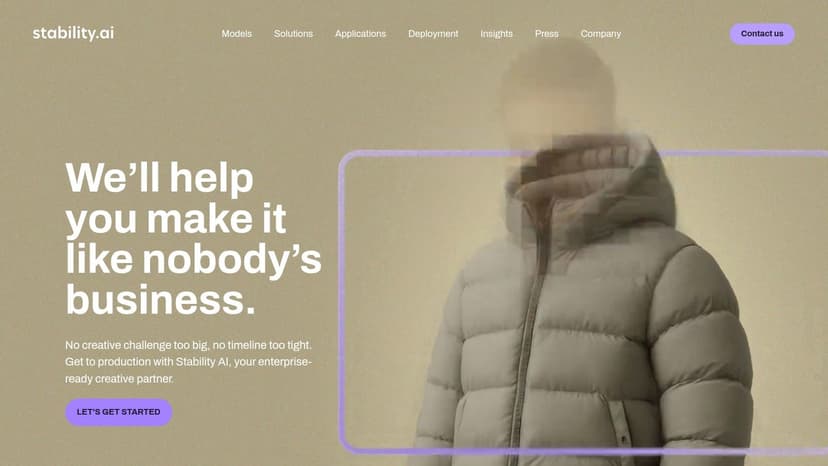
The platform’s strength lies in its transparency and API-first approach. This is useful for authors experimenting with different styles for a project, such as testing concepts for a new sci-fi book cover. Since the output style can differ from Firefly or Midjourney, it's a great option for creating truly unique visuals. You can use this to generate base images and then refine them into a final cover design in another tool.
Key Features & Use Cases
- Stable Artisan: A subscription-based web interface with monthly credits for accessing the latest models (like Stable Diffusion 3) for text-to-image and image-to-image tasks.
- Credit-Based API Access: Pay-as-you-go access to models, perfect for more technical users who want to integrate generation capabilities directly into a workflow.
- Image Upscaling & Outpainting: Use dedicated features to increase image resolution or extend a canvas, useful for adapting a portrait-oriented character design into a landscape promotional banner.
- Pricing: Stable Artisan subscriptions start with a free trial and paid plans offering monthly credits. The Developer Platform API is priced per-credit.
Pitfall to Avoid: Stability AI is for the technically-inclined user. The need for advanced prompt engineering and understanding different models can be a significant hurdle for newcomers. For most authors, a more user-friendly, all-in-one platform is a better starting point.
Website: https://stability.ai
6. Canva Magic Studio
For authors focused on speed and efficiency for marketing materials, Canva's Magic Studio integrates AI directly into a familiar, template-driven environment. It's less about creating fine art from scratch and more about rapidly producing social media assets, presentations, and simple print layouts. This makes it one of the most practical ai tools for graphic designers and authors who need to deliver branded content quickly for a book launch.
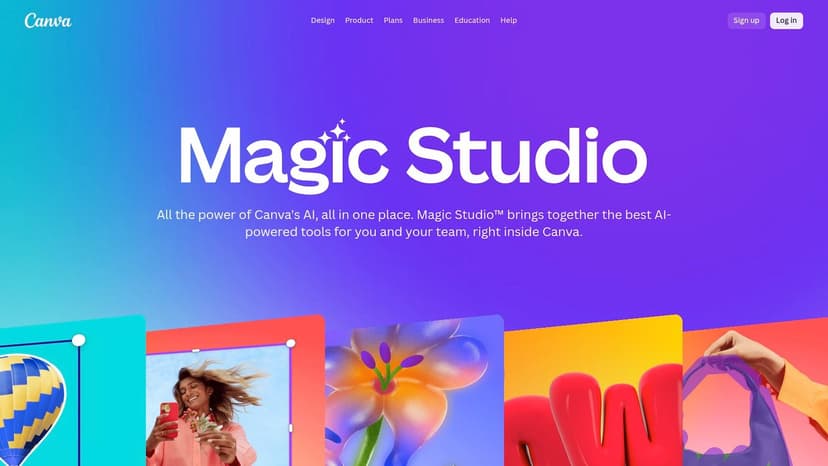
Canva's AI features are built to accelerate an existing workflow. For instance, you can use "Magic Design" to generate a set of branded marketing materials, like an Instagram post and a Facebook banner, from a single prompt or image. The results are fully editable within Canva's standard interface, allowing for quick adjustments to text, colors, and layout. This is excellent for authors who need to create a consistent promotional kit around their new book without starting from zero on each asset.
Key Features & Use Cases
- Magic Design: Generate entire presentations or sets of social media graphics from a text prompt or uploaded image, adhering to your brand kit.
- Magic Edit & Eraser: Select an object within an image and replace it via a text prompt (Magic Edit) or remove it cleanly (Magic Eraser), useful for quick photo touch-ups for author headshots.
- Text to Image: Create custom images for blog posts, social media, or presentation slides directly within your design file using the "Magic Media" app.
- Pricing: Core AI features are available in the free Canva plan with limitations. Canva Pro ($119.99/year for one person) or Canva for Teams offers higher usage limits and advanced features.
Decision Criteria: Choose Canva if your main goal is creating social media and marketing graphics quickly. While you can assemble a book cover in Canva, its template-first approach can be restrictive, and the AI image quality doesn't always match dedicated generators. For cover work specifically, see the best Canva alternatives for book cover design.
Website: https://www.canva.com/canva-ai/
7. Runway
While many AI tools focus on static images, Runway carves out its niche with a powerful, browser-based creative suite centered on video and motion. For authors looking to create social media assets, animated logos, or promotional clips, Runway offers a remarkably accessible entry point into video generation. Its Gen-3 Alpha model is a leading text-to-video engine, making it one of the most forward-looking ai tools for graphic designers expanding their skills into motion design for projects like book trailers or animated ads.
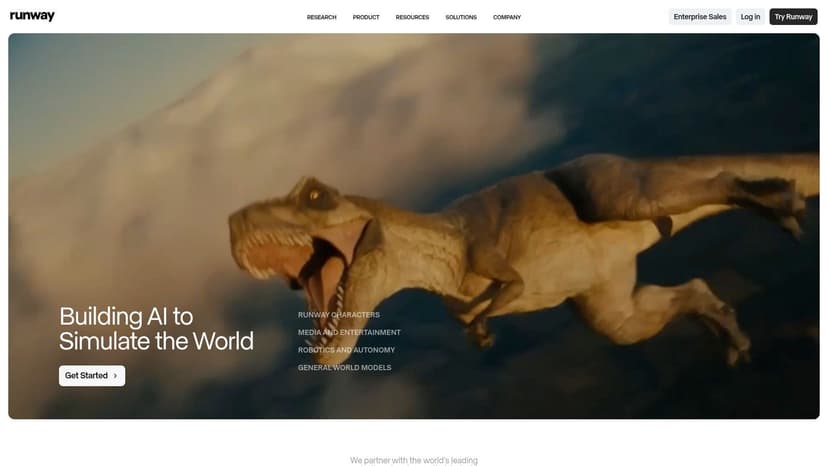
The platform includes a timeline-based editor and a suite of "AI Magic Tools" for tasks like background removal and upscaling. This integrated environment allows for rapid concepting. An author could generate a short video clip from a text prompt, remove its background, and composite it onto existing brand assets, all within a single interface. Learning to tell a visual story through motion is a great skill for promoting a new fantasy book series.
Key Features & Use Cases
- Text/Image to Video: Create short, dynamic video clips from a simple description or a source image. Perfect for generating atmospheric background loops for a website or quick social media teasers.
- Video to Video: Apply a stylistic look to an existing video clip by describing the desired aesthetic (e.g., "claymation style," "glowing neon lines").
- AI Magic Tools: A collection of utilities including Frame Interpolation (for smooth slow-motion) and Inpainting (for removing objects from video).
- Pricing: Runway uses a credit-based system. A free plan offers a starting allocation of credits, with paid plans (starting at $12/user/month) providing larger monthly credit allowances.
Pitfall to Avoid: Runway has a great user interface for video work. However, the credit system requires careful management, as high-resolution video generation can consume credits quickly. This tool is best for authors who are serious about creating video content for their marketing.
Website: https://runwayml.com
8. Leonardo.Ai
Leonardo.Ai positions itself less as a simple image generator and more as a complete production studio for generative content. While it excels at creating high-quality images from text prompts, its real value for authors lies in its structured workflow tools. The platform is built around a concept of content pipelines, allowing you to generate assets, remove backgrounds, and upscale images within one cohesive environment. This is particularly useful when creating a suite of marketing materials, like generating character concepts and then immediately preparing them for different layouts.
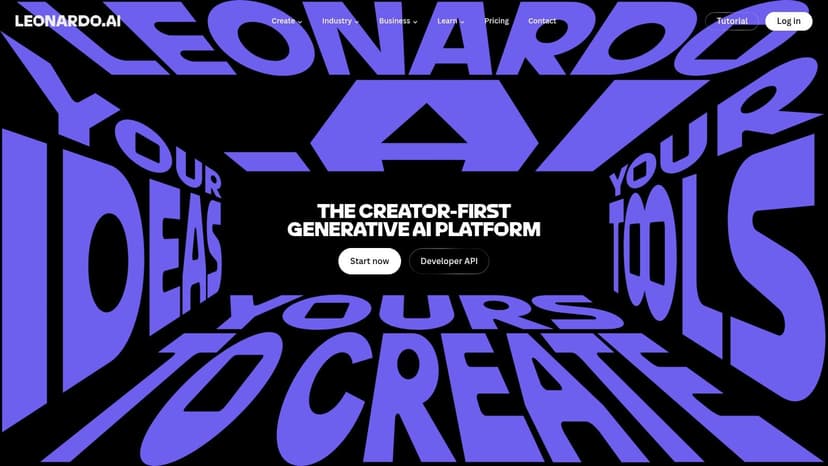
This workflow-centric approach helps bridge the gap between initial idea and final asset. For authors working on a book series, the ability to train a custom model on their specific characters or art style can ensure consistency across multiple outputs. Once an image is generated, tools like Universal Upscaler and Background Removal are just a click away, preparing the asset for direct use in a design program.
Key Features & Use Cases
- Image Generation & Model Selection: Access a wide variety of fine-tuned models for different styles (e.g., photorealism, vintage illustrations) or train your own for brand consistency.
- Canvas Editor: A comprehensive editing suite that includes inpainting, outpainting, and sketch-to-image features for fine-tuning generated assets.
- Universal Upscaler: Enhance the resolution of generated images or existing artwork with multiple modes to preserve details and clarity for print.
- Pricing: A free plan offers a daily token allowance. Paid plans (starting at $10/mo) provide more tokens, faster generation, and premium features.
Decision Criteria: Leonardo.Ai is a powerhouse for users who need more than just a prompt-to-image tool. Its strength is in providing a full production pipeline. The token system can be a bit confusing at first, as different actions consume different amounts, but the platform's utility is undeniable for creating consistent assets.
Website: https://leonardo.ai
9. Kittl
Kittl has carved out a niche as an AI-first design platform focused on producing on-trend graphics, particularly for merchandise, posters, and branding. It excels at creating complex typographic layouts and badge-style designs with incredible speed. For authors creating merchandise like t-shirts, tote bags, or promotional posters for a book launch, Kittl offers a direct path to a polished, professional result without the steep learning curve of traditional vector software. It is one of the more specialized ai tools for graphic designers, built for speed and specific commercial aesthetics.
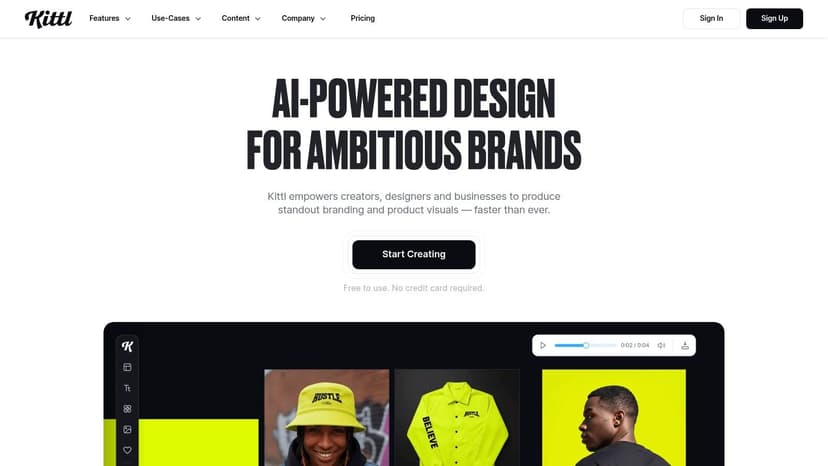
The platform's strength lies in its AI-assisted text effects and smart templates. Instead of manually warping text or applying textures, you can use presets and AI features to achieve vintage, retro, or modern looks in just a few clicks. This is ideal for quickly developing a strong visual identity for a book series or creating eye-catching social media graphics. The ability to export designs as vectors makes Kittl practical for print-on-demand services.
Key Features & Use Cases
- AI Text Effects: Generate intricate text styles with textures and transformations from simple descriptions, perfect for creating a stylized book title treatment or author logo.
- Vector Export: Create graphics that can be exported as SVG files, essential for high-quality printing on merchandise or large-format marketing materials.
- Merch-focused Templates: Start with a huge library of templates designed for t-shirts, labels, and posters, helping you quickly create promotional items that align with your book's genre.
- Pricing: Kittl offers a Free plan with limitations. Paid plans start with the Pro plan at $15/month ($120/year), which provides more AI credits, commercial licensing, and vector exports.
Decision Criteria: Kittl is exceptionally good for creating trendy, complex-looking graphics fast. It's a fantastic tool for authors who need to produce merchandise or branded content. However, it's not a replacement for a full layout program; it's less suited for multi-page documents or intricate book cover compositions.
Website: https://www.kittl.com
10. Vectorizer.AI
Every author who has tried to design their own marketing has run into this problem: you have a tiny, pixelated logo or graphic that needs to be enlarged for a banner or print ad. Vectorizer.AI is a purpose-built solution for this exact problem, using artificial intelligence to convert raster images like JPEGs and PNGs into clean, scalable SVG vector files. This makes it one of the most practical ai tools for graphic designers dealing with low-quality source assets for print.
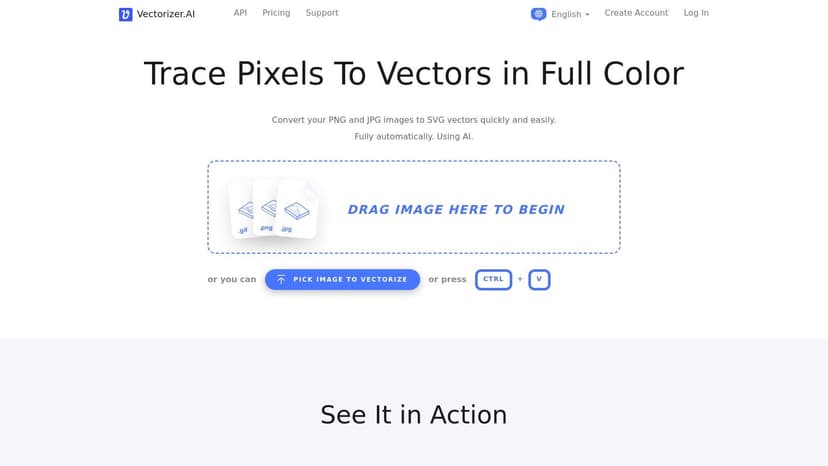
This tool is especially useful for authors who need to incorporate sponsor logos, author insignias, or series icons into their marketing materials. Instead of trying to manually redraw a blurry image, you can process it through Vectorizer.AI to get a production-ready asset in seconds. The resulting file can then be used in any design program for high-quality print output.
Key Features & Use Cases
- High-Fidelity Vector Conversion: Upload a low-resolution logo or icon and receive a clean, scalable SVG file. Perfect for preparing low-quality art for high-resolution printing.
- Batch Processing & API: Automate the conversion of multiple images via the web interface or integrate the functionality directly into custom workflows.
- Color Palette Management: The tool intelligently identifies and separates colors, creating grouped paths that are easy to edit.
- Pricing: Operates on a credit-based system. A free beta is available for testing, with subscription plans starting at around $9.99/month for a set number of credits.
Decision Criteria: For the specific task of raster-to-vector conversion, Vectorizer.AI is a best-in-class tool that saves immense time and frustration. It's not a full design program, but a fast, reliable first step in an asset-preparation workflow.
Website: https://vectorizer.ai
11. remove.bg
While many full-suite design tools now include background removal, remove.bg remains the industry benchmark for one specific, crucial task: cleanly and quickly isolating a subject from its background. For authors creating composites for book covers, promotional materials, or updating their author photo, this tool offers near-instant results with impressive accuracy. It’s one of the most focused ai tools for graphic designers, built to do one thing exceptionally well, saving what could be minutes of tedious manual work on each image.
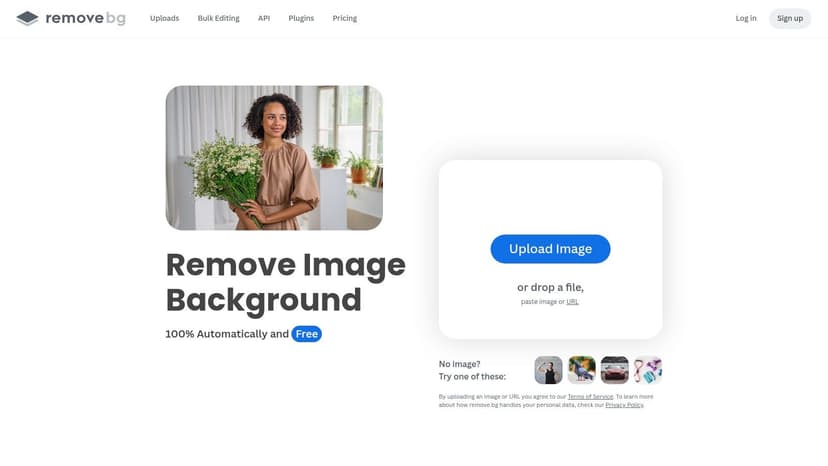
The platform’s strength is its simplicity. You upload an image, and its AI instantly processes it, providing a transparent PNG cutout. This is perfect for isolating a key character or object for a thriller book cover where the subject needs to be placed against a different, more atmospheric background. The Photoshop plugin allows access to this technology without leaving the application, preserving a smooth creative process.
Key Features & Use Cases
- One-Click Background Removal: Instantly create transparent PNGs from photos of people, products, or animals for use in layered designs.
- Photoshop Integration: Use the
remove.bgengine directly inside Photoshop to speed up complex masking tasks on specific layers. - API for Automation: A go-to for e-commerce sites and apps that need to process thousands of images automatically.
- HD Output: Provides high-resolution cutouts necessary for professional print projects, ensuring the final asset is sharp and clean.
- Pricing: Offers a limited free plan with standard-resolution downloads. Paid plans are credit-based (starting from $9/mo for 40 credits), with credits consumed per high-resolution download.
Decision Criteria: For pure speed and accuracy on standard subjects,
remove.bgis often faster and more precise than the built-in tools in many editors. It gets you 95% of the way there in seconds, leaving only minor manual touch-ups.
Website: https://www.remove.bg
12. Topaz Labs (Topaz Studio)
While many AI tools focus on creating new assets, Topaz Labs excels at fixing and improving existing ones. It is an indispensable resource for authors who have low-resolution source files and need to prepare them for high-quality print. If you’ve ever been given a small, pixelated photo for a book cover that needs to be printed, Topaz Labs provides the upscaling, sharpening, and noise reduction capabilities to rescue it. This makes it one of the most practical ai tools for graphic designers dealing with real-world production constraints. Its core function is less about generation and more about restoration.
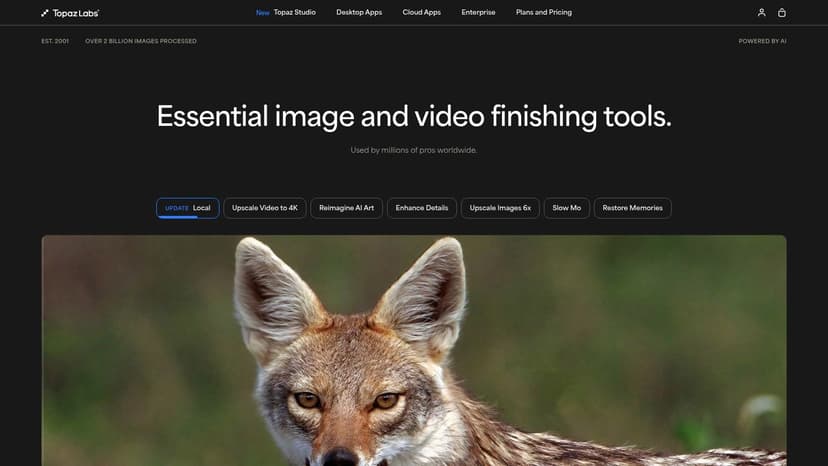
The suite of applications, including Gigapixel AI and Photo AI, uses machine learning models trained to intelligently add detail, remove compression artifacts, and sharpen images. For an author preparing their fantasy book cover, this means an old character portrait or a low-quality stock image can be enlarged to fit a 6x9 trim size without looking blurry. The tools work as standalone apps or plugins for software like Photoshop.
Key Features & Use Cases
- Gigapixel AI: Upscale images by up to 600% while preserving and even enhancing detail. Essential for converting a small web graphic into a file suitable for large-format printing.
- Photo AI (Denoise & Sharpen): Remove digital noise from photos taken in low light and correct for motion blur or soft focus, resulting in crisp, clean imagery for cover art.
- Video AI: Enhance and upscale video footage, a useful feature for authors creating video trailers or social media promotions for a book launch.
- Pricing: Topaz Labs offers its apps for a one-time purchase, which includes one year of updates. The Photo AI bundle starts at $199.
Decision Criteria: Topaz Labs is a problem-solver. It doesn't generate ideas, but it salvages projects. The quality of its upscaling and sharpening is frequently best-in-class. It's a professional tool for a specific, but common, professional problem, though the one-time cost is significant.
Website: https://www.topazlabs.com
How to Choose the Right AI Design Tool: A Comparison
| Product | Key Features | Quality (★) | Price/Value (💰) | Target (👥) | Unique Edge (✨) |
|---|---|---|---|---|---|
| BeYourCover 🏆 | Brief+prompt cover generation, advanced visual/text editor, KDP-ready exports | ★★★★☆ | 💰 Free (2 covers); Basic $19; Pro $39; Enterprise from $149/mo | 👥 Indie authors, small presses, publishers, designers | ✨ Genre-optimized, sales-ready covers with iterative editing and high-res exports |
| Adobe Firefly | Generative Fill/Expand, recolor, text/vector effects; CC integration | ★★★★☆ | 💰 Included in Creative Cloud (subscription) | 👥 Designers, agencies, enterprise teams | ✨ Deep Photoshop/Illustrator workflow + enterprise licensing |
| Midjourney | Prompt-driven variations, community galleries, style/chaos controls | ★★★★★ | 💰 Paid plans (no true free tier) | 👥 Illustrators, art directors, concept artists | ✨ Distinctive, highly stylized visual output |
| ChatGPT Images (OpenAI) | Text-to-image & inline edits inside chat; style guidance | ★★★☆☆ | 💰 Free tier; Business/Enterprise plans available | 👥 Writers, teams, ideation & prototyping users | ✨ Unified text+image ideation with chat-based iteration |
| Stability AI (Artisan & API) | Stable Diffusion models, upscaling, outpaint, credit-based API | ★★★★☆ | 💰 Credit-based pricing; subscriptions available | 👥 Developers, high-volume generators, integrators | ✨ Open-weight models & flexible licensing for pipelines |
| Canva Magic Studio | Text-to-image, Magic Edit, templates, brand kits, team features | ★★★★☆ | 💰 Free + Pro subscription tiers | 👥 Marketers, small teams, social creators | ✨ Template-driven speed + brand controls and easy exports |
| Runway | Text/image-to-video, timeline editor, background removal, upscaling | ★★★★☆ | 💰 Credit/subscription model | 👥 Motion designers, social video creators | ✨ Strong video-focused generative UI and rapid iteration |
| Leonardo.Ai | Multi-model generation, upscaling, background removal, tokens | ★★★★☆ | 💰 Token-based freemium & paid tiers | 👥 Game artists, concept teams, production pipelines | ✨ Practical production tools with community presets |
| Kittl | Typography-first design, AI text effects, vector export, merch templates | ★★★★☆ | 💰 Subscription with usage limits | 👥 Merch designers, print & apparel creators | ✨ Fast, on-trend merch and typography workflows |
| Vectorizer.AI | Raster-to-vector conversion, clean paths, API & batch processing | ★★★★☆ | 💰 Credit/API pricing | 👥 Print shops, agencies, developers | ✨ High-quality auto-vectorization for production use |
| remove.bg | One-click background removal, Photoshop plugin, API, PNG/HD output | ★★★★☆ | 💰 Credit-based pay-as-you-go | 👥 E‑commerce teams, photographers, catalog managers | ✨ Industry benchmark for automated background removal |
| Topaz Labs (Topaz Studio) | Gigapixel upscaling, denoise, sharpening, photo/video enhancement | ★★★★★ | 💰 Paid apps / subscription options | 👥 Photographers, restoration, print production | ✨ Best-in-class upscaling and image enhancement quality |
Making Smart Choices: Integrating AI into Your Author Workflow
The array of AI tools for graphic designers can feel overwhelming. The key takeaway is not to master every platform, but to develop a clear strategy for how these tools can serve your specific goals as an author. You don't need to be an expert on a dozen different systems; you just need the right tool for the right job.
For indie authors, the primary challenge is balancing a tight budget and limited time with the need for a professional, genre-appropriate book cover. The AI tools you choose should directly support these objectives.
Checklist: Building Your Personal AI Toolkit
Think of this as assembling a specialized toolkit. Start small by identifying the most persistent bottlenecks in your current process.
Here’s a practical checklist for evaluating and selecting new AI tools for your author-publisher needs:
- [ ] Problem-Solving Power: Does this tool solve a real, recurring problem for you? If you struggle to create genre-appropriate cover concepts, a specialized generator is a clear fit. If you mainly need social media graphics, a tool like Canva is better.
- [ ] Ease of Use vs. Power: Is the interface intuitive, or does it demand a steep learning curve? A complex tool might offer more control but could negate any time savings for a non-designer.
- [ ] Commercial Viability and Licensing: This is non-negotiable. Before you invest time and money, you must understand the terms of service. Can you legally use the generated output for commercial projects, like a book cover you intend to sell? Always check the fine print.
- [ ] Workflow Integration: Does the tool produce a final, usable product, or is it just the first step? An image generator like Midjourney requires you to use other software to add text and finalize the design. An all-in-one tool like BeYourCover exports a complete, KDP-ready file.
Actionable Next Steps for Your Book Launch
To put this into practice, begin by identifying just one or two tools from this list that address your biggest pain points. Your first step doesn't need to be a complete overhaul of how you work.
Your goal should be to use AI as a strategic partner. It is a powerful assistant that can handle repetitive tasks, freeing you to focus on what humans do best: creative strategy, emotional connection, and impactful design.
For example, an author could start by using a specialized generator to test different concepts for a new book. Seeing multiple genre-correct variations in minutes can provide invaluable market insight before committing to a final design. They might then use Canva's Magic Studio to create a suite of matching social media promotions.
The true power of these ai tools for graphic designers emerges when you combine them, letting each one handle the task it does best. The most effective approach is a mindful one. View these tools not as a replacement for your creativity, but as an extension of it. They are instruments for rapid iteration, for overcoming creative blocks, and for automating the tedious work that stands in the way of your bigger vision. By making smart, informed choices about which tools to adopt, you can produce more compelling visuals, save precious time, and publish with confidence.
Ready to Create Your Own Book Cover?
Turn your story into a visual masterpiece. Fill in the details below to start generating professional covers instantly.